


Most freelance developers bill from memory. At the end of the month they open a spreadsheet, think back over four weeks, and write down numbers that feel about right. Those numbers are almost always lower than the hours actually worked, because the small pieces — the call that ran long, the fix after review, the “quick question” on WhatsApp — are the first things forgotten.
This is a setup that takes about fifteen minutes and removes that problem. It works whether you bill hourly or fixed price.
What to record, and what not to bother with
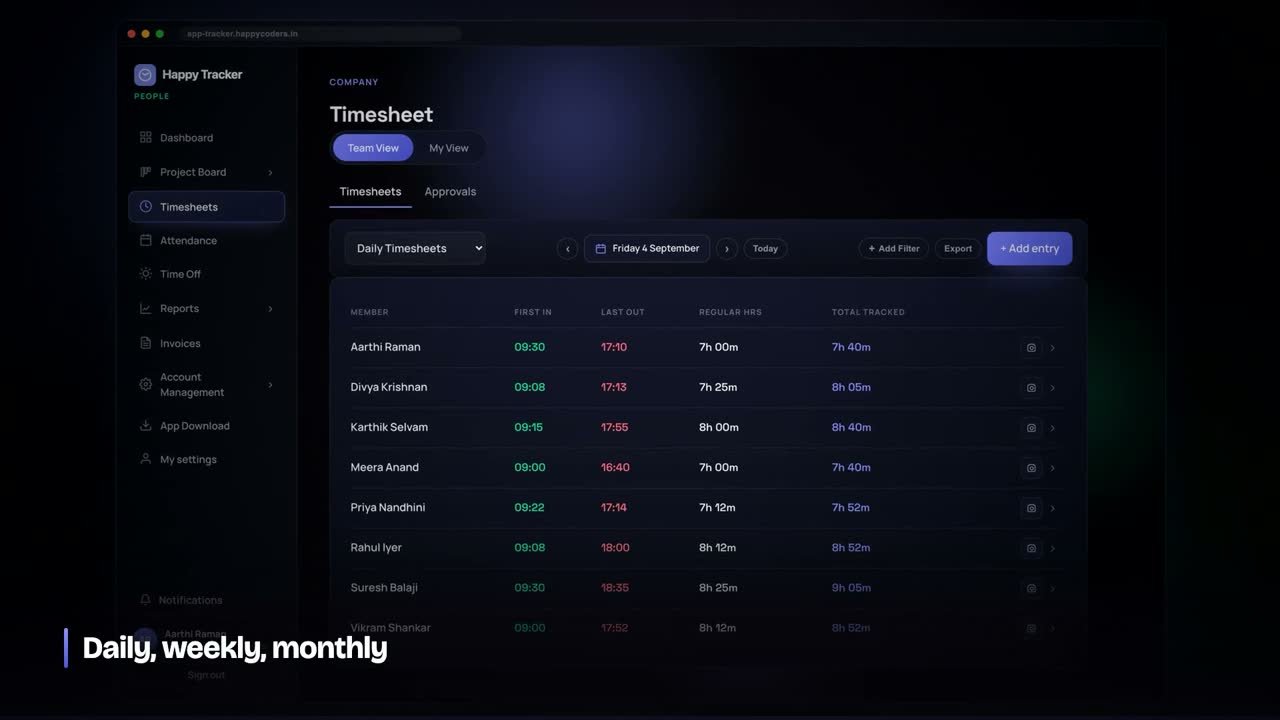
Record three things: which client, which project or task, and whether it is billable. That is enough for an invoice and for knowing which client is actually worth the money.
What is not worth doing is a stopwatch you start and stop for every ten-minute task. Nobody keeps that up past week two. Start the timer when you sit down to work for a client, switch it when you switch clients, stop it when you stop. Anything finer than that costs more attention than it returns.
The hours that quietly disappear
These are the ones that never reach an invoice, and together they are usually the largest number in a freelancer’s month:
- Calls. A thirty-minute call that ran to fifty, twice a week, is four hours a month.
- Review rounds. The second and third round of changes that were not in the original scope.
- Bug fixes after delivery that turn out to be a change of requirement, not a bug.
- Setup and deployment — servers, domains, mail, certificates. Real work, rarely quoted.
- Messages. Twenty minutes a day of WhatsApp is seven hours a month.
You may decide to absorb all of them. That is a fine decision — but it should be a decision, and right now it is usually an accident. Mark them as non-billable and you will see what they cost at the end of the month.
Hourly billing, fixed price, or both
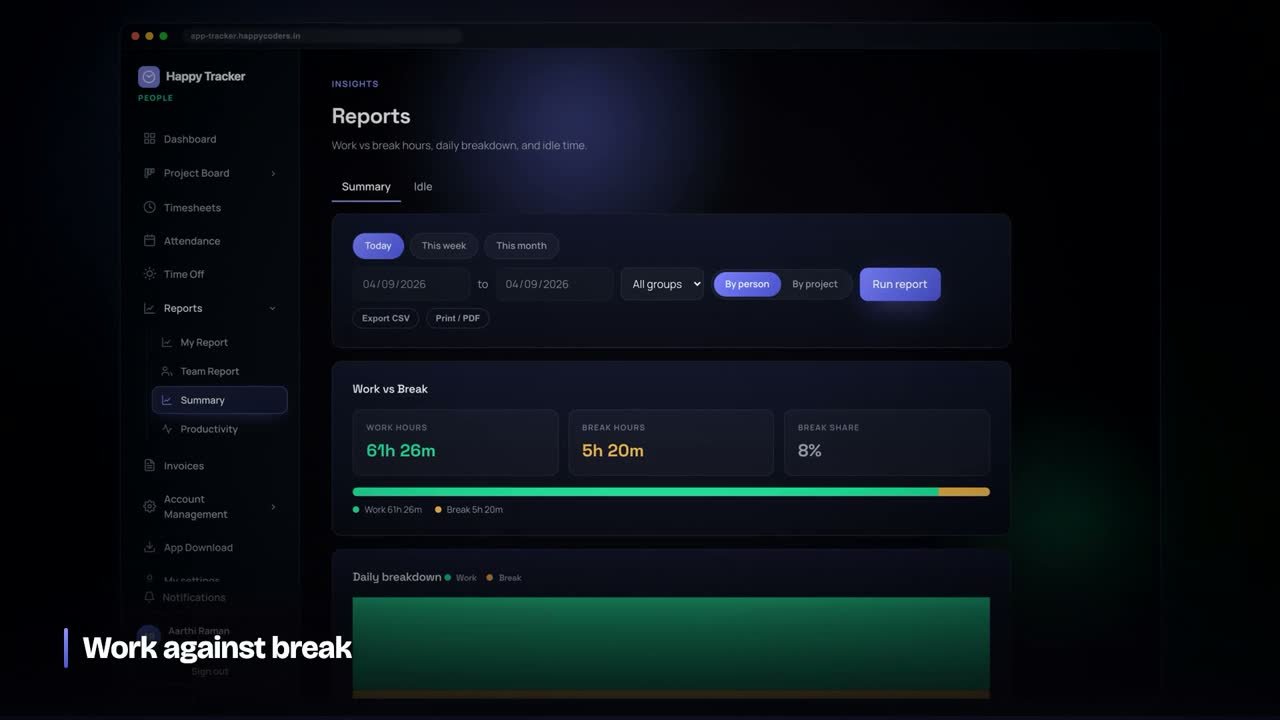
Hourly. The tracked hours are the invoice. Record the client, project and task; export it and send it. Clients who question a line get a list of sessions with dates, which ends the conversation in one message.
Fixed price. The hours do not go on the invoice, but they decide whether the price was right. A project quoted at ₹80,000 that took 110 hours earned ₹727 an hour. You cannot know whether to raise your next quote without that number.
Most freelancers do both, with different clients. The recording is the same either way; only what you do with it changes.
A rate you can defend
Once a few projects are recorded, your effective hourly rate stops being a guess. Divide what a client paid by the hours you actually spent, and compare it across clients. One of them is almost always well below the others — usually the one who sends the most messages.
That is the number to use when deciding which work to take next year, and it is the number to use when raising a rate. “My rate is going up” is a difficult conversation. “This project came to ₹700 an hour against my rate of ₹1,200, so I need to adjust” is a straightforward one.
If you want to work the profit out properly, including your own cost per hour, we have a free project profitability template that does the arithmetic.
Setting it up
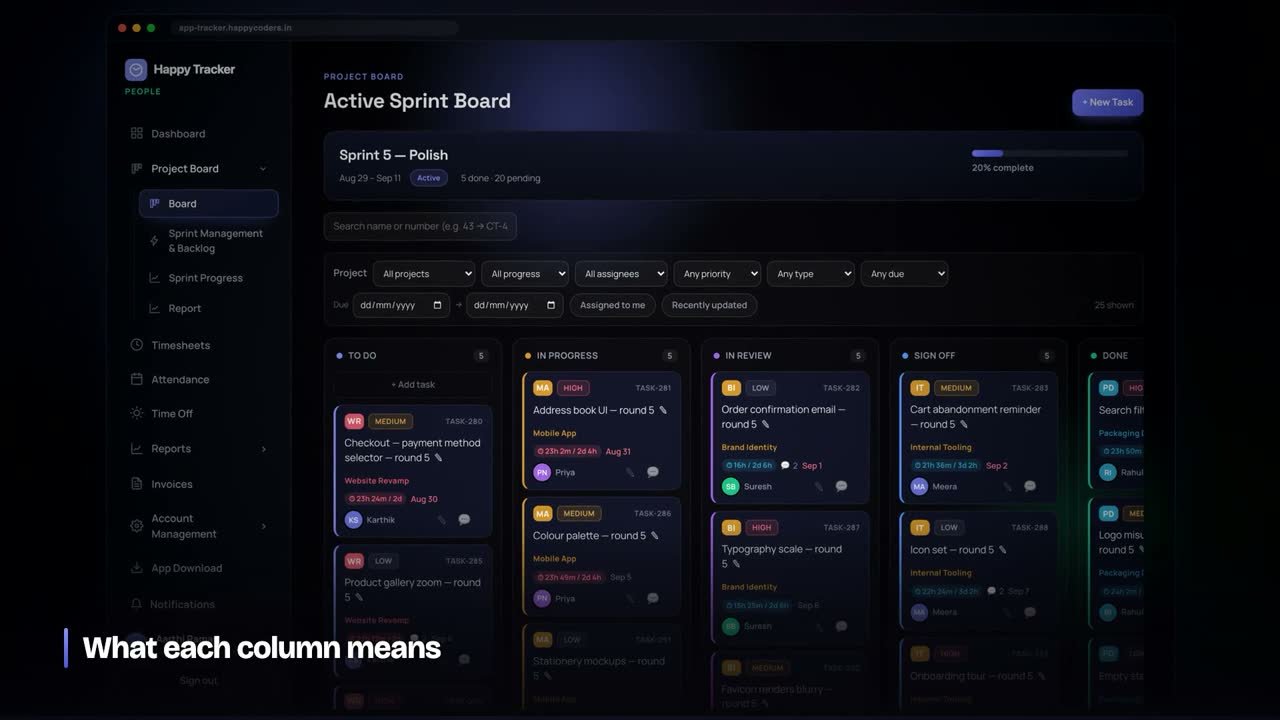
- Create one project per client. If a client has several pieces of work, create a project each — you will want them separate at invoice time.
- Mark which projects are billable. Your own admin, learning and marketing are projects too, and they are not billable.
- Set your rate so the invoice can be generated instead of assembled.
- Start the timer when you start, switch it when you switch. That is the whole daily habit.
- Look at it once a week, not once a month. A week is short enough to remember what an odd entry was.
Working on a laptop and a desktop
Most freelancers work on more than one machine. Track on whichever you are using — the desktop app runs on Mac, Windows and Ubuntu, and the browser works anywhere — and the hours land in the same place. What matters is that you do not end up with two separate records to reconcile later, which is how spreadsheets fail.
The tool
This is how Happy Tracker works: time is recorded against a project and a task as you work, split into billable and non-billable, with estimates sitting next to actual hours. Reports export to CSV, and invoices can be generated from billable time per client and period.
It is free for up to five users with no time limit and no card, which for a freelancer means free permanently. If you want to see where last month actually went, that is enough to run one month through it.
What the habit looks like in a week
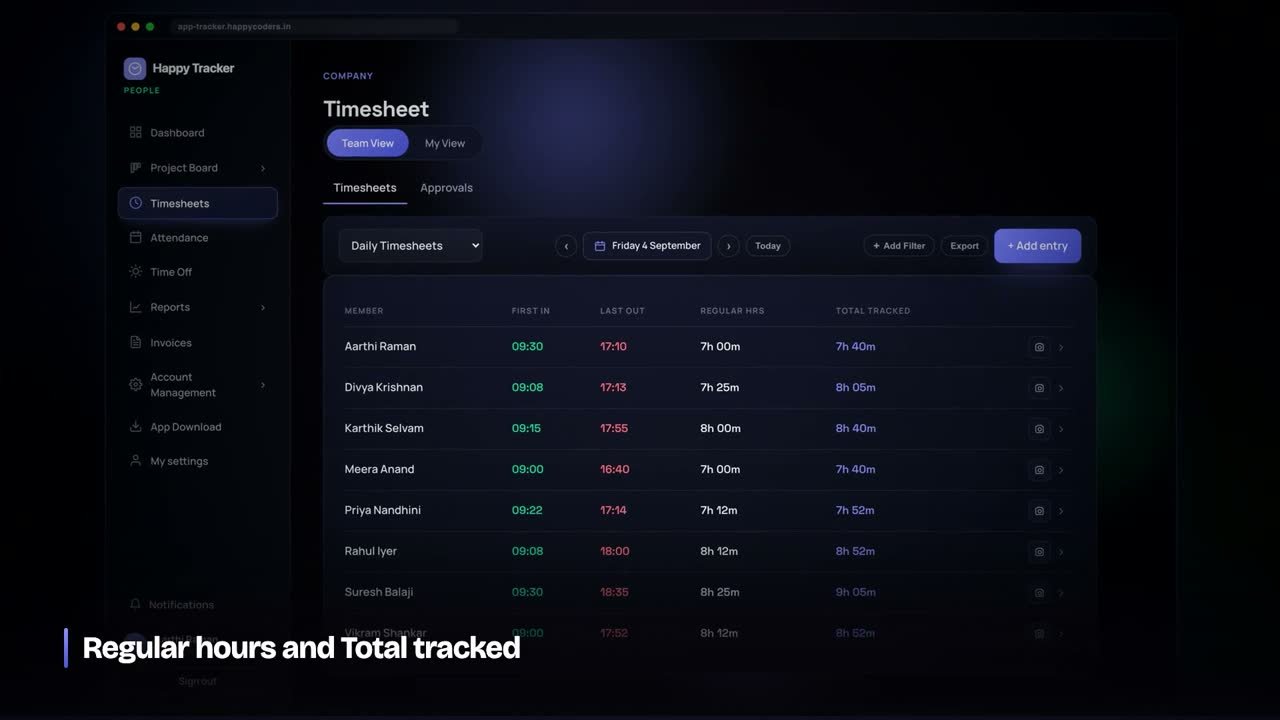
The daily part is about ten seconds: start the timer when you sit down for a client, switch it when you switch clients, stop it when you stop. Nothing else during the day.
The weekly part is five minutes on a Friday, and it is the part that actually pays. Open the week, look at each client’s total, and ask two questions: does that look like the work I remember doing, and is anything marked billable that should not be, or the other way round? A week is short enough that you still remember; a month is not, which is why month-end reconstruction fails.
If an entry looks wrong, fix it then. Corrections made within a week are corrections; corrections made at month end are guesses.
Retainers, fixed price and hourly all use the same record
Hourly. The tracked hours are the invoice. Send the total with the session list attached and most billing questions never get asked.
Fixed price. The hours never appear on the invoice, but they decide whether the price was right. Compare hours worked against what you assumed when quoting — that gap is your real margin.
Retainer. This is where tracking matters most and is done least. A retainer is a number of hours sold in advance, and without a record nobody knows when they have been used. Track against the retainer as a project, look at it weekly, and tell the client before the hours run out rather than after. That single habit prevents the most common freelance argument there is.
Quoting the next project from the last one
After three or four recorded projects you can stop guessing. Take what a similar project actually cost you in hours, multiply by the rate you want to earn, and price from that.
If a project like the one you are quoting took 110 hours, and you want ₹1,200 an hour for your time, the price is ₹1,32,000 — not the ₹80,000 you charged last time because it “felt about right”. The difference between those two numbers is what recording hours is worth.
Add a margin for the work that is never in the estimate: calls, revisions, deployment, the fixes after review. Your own records tell you what that is — for most freelancers it lands somewhere between 15 and 30 per cent of the project.
What to send a client, and what to keep to yourself
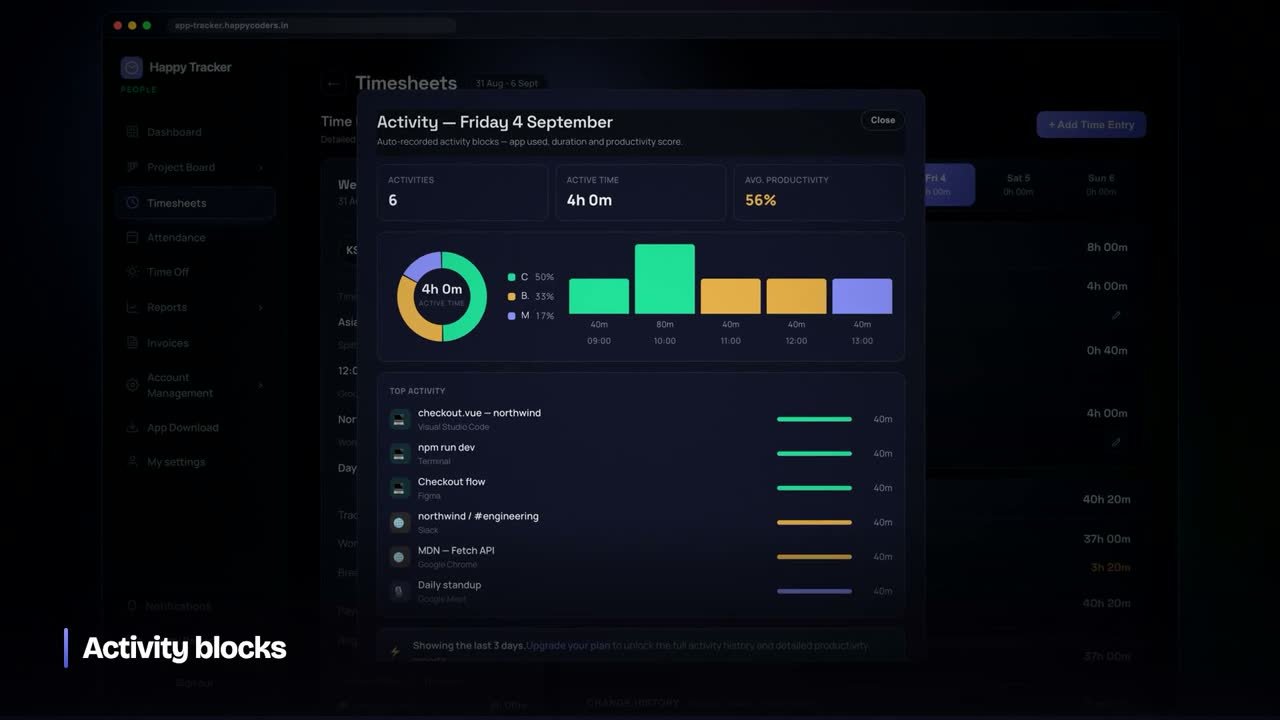
On hourly work, send the invoice with a summary by project and, if asked, the list of sessions with dates and durations. That is enough to answer any reasonable question and it ends disputes quickly.
What not to send, unasked, is a minute-by-minute breakdown of your working day. It invites a conversation about how long a particular task should have taken, which is not a conversation you want to have with a client paying by the hour.
Keep your own cost per hour, your effective rate and your margin private. They are for deciding what to charge, not for negotiating with.
Sub-contracting for an agency
If you work through an agency, you are usually paid a fixed rate while the agency bills the client something higher. Two things are worth recording anyway.
First, your own hours, so you know whether the fixed rate is worth it. A rate that looks good becomes poor once the unbilled calls and revisions are counted, and the only way to see that is to have counted them.
Second, what you delivered and when. Agencies change project managers, and a record of the work with dates has settled more than one disagreement about what was in scope.
The numbers to look at once a month
- Total hours worked, against the hours you intended to work. Freelancers routinely work more than they think and charge for less.
- Billable percentage. What share of your working hours reached an invoice. Under 60% usually means too much unpaid admin, or too many clients.
- Effective rate per client. What each client actually paid per hour of your time. One is always the worst; decide deliberately whether to keep them.
- Hours against estimate on fixed-price work. A consistent overrun is a pricing problem, not a speed problem.
Four numbers, once a month, and they decide what you charge next year. None of them can be worked out from memory, which is the entire argument for recording the hours as they happen.
Frequently asked questions
I already use a spreadsheet. Is that not enough?
A spreadsheet works if it is filled in as you work. Most are filled in at the end of the month, and that is the failure — not the spreadsheet itself. If yours is current on a Wednesday afternoon, keep it.
What about the time I spend on my own business?
Record it as a non-billable project. Admin, marketing, invoicing and learning are real hours and they are the reason your effective rate is lower than your quoted rate. Leaving them out gives you a flattering number that helps nobody.
Do I need to track if I charge fixed price only?
Yes, and arguably more. On hourly work a mistake is paid for by the client. On fixed price every extra hour comes out of your own margin, so the hours are the only way to see whether a project made money.
When to raise your rate, and how to know
Most freelancers raise rates when they feel overworked. The records give you a better signal, and an easier conversation.
- Your effective rate is falling across similar projects — the work is getting harder or the scope is growing while the price stays still.
- You are turning work away more than about one enquiry in four. Demand is ahead of your price.
- Non-billable hours are climbing as a share of the month. Time you cannot bill is time your rate has to cover.
When you do raise it, raise it for new clients first and give existing ones notice at a natural boundary — a new project, a renewal, the start of a quarter. And say the number plainly. “From October my rate is ₹1,400 an hour” is easier to accept than a paragraph of justification.
Protecting the hours themselves
Recording hours shows you where they went. Keeping more of them is a different discipline, and two habits do most of the work.
Block the calendar. Client work in blocks of two to three hours, with calls pushed to one part of the day. The most common leak in a freelancer’s week is not slow work; it is a day cut into twenty pieces by messages.
Answer messages twice a day, not continuously. Tell clients that is what you do. Almost nobody objects, and it is worth several hours a week.
Frequently asked questions
Is tracking worth it if I only have two clients?
Yes, and it is easier with two. The point is not oversight, it is knowing which of the two is paying properly for your time. With two clients the answer is usually a surprise.
What if I forget to start the timer?
Add the entry by hand afterwards — that is a normal part of using any tracker. What matters is that most of the month is recorded as it happens, so the few corrections are corrections rather than the whole record.
Should I show tracked hours to the client?
On hourly work, yes — a list of sessions with dates is the fastest way to close a question about an invoice. On fixed price, the hours are for you, not for them.




