Card skimmers & form hijacks
Scripts that read card or password fields on checkout, and forms quietly pointed at another site.


Scan up to 100 pages of your WordPress site — including checkout and pages behind login — for injected malware, card skimmers and outdated plugins. Free. Read-only.
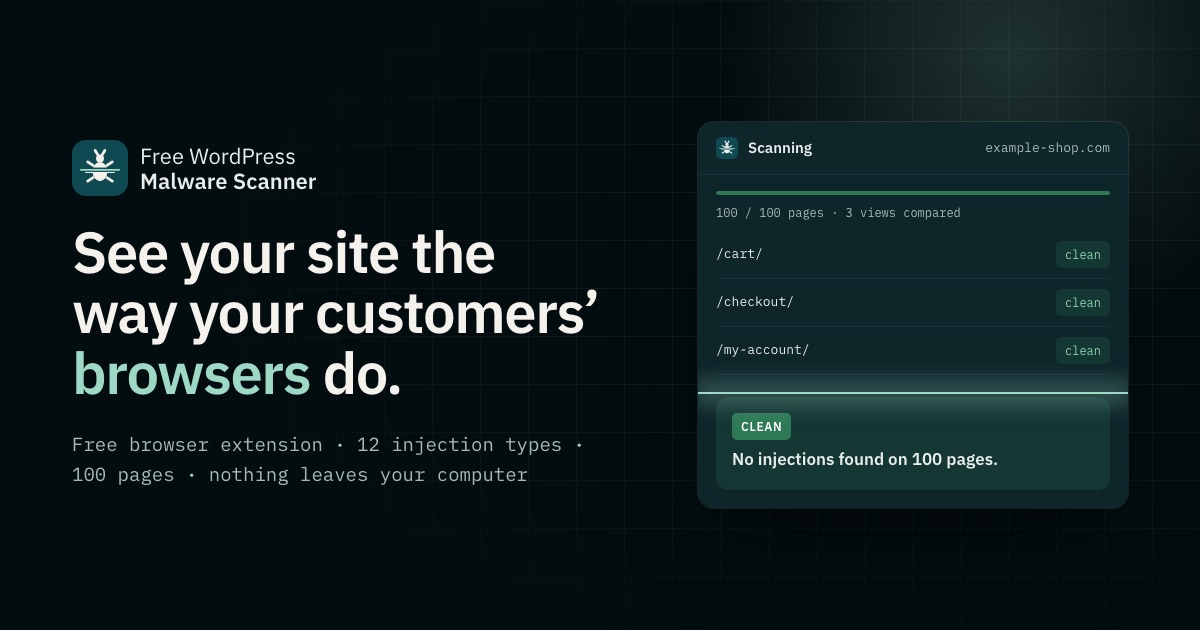
Every finding names the page, the file and the exact line — then how to remove it.
Scripts that read card or password fields on checkout, and forms quietly pointed at another site.
Malicious redirects, including mobile-only ones, and “your browser is out of date” lures.
Obfuscated scripts decoded, malicious external scripts and hidden iframes.
Hidden pharmacy and gambling link blocks, and content shown to search engines but not to you.
Cryptominers, rogue service workers pushing spam notifications, and injected pop-unders.
Signed in, it reads WordPress's own plugin list and shows how far behind each plugin is — inactive ones too.
Cloaked spam and checkout skimmers hide from anonymous bots. Reading the same pages three ways shows the difference.
The baseline: your own session, including cart, checkout and my-account pages.
Should match the signed-in view. When it doesn't, something is being served only to strangers.
Where hidden link blocks and cloaked content show up.
Online scanners visit as an anonymous bot, so they never reach cart, checkout or my-account — exactly where skimmers load. This reads your site three ways: signed in, signed out and as a search engine.
Each finding is shown with the evidence: page, file, exact line, then the fix.
| # | Injection | What it means |
|---|---|---|
| 01 | Card skimmers | Scripts that read card or password fields on checkout and send them elsewhere |
| 02 | Form hijacks | Checkout or login forms quietly pointed at another site |
| 03 | Malicious redirects | Including ones that fire only for mobile visitors |
| 04 | Fake browser updates | “Your browser is out of date” lures that deliver malware |
| 05 | Obfuscated scripts | Hidden code, decoded so you see what it really does |
| 06 | Malicious external scripts | Code loaded from look-alike or throwaway domains |
| 07 | Hidden iframes | Invisible frames loading another site |
| 08 | SEO spam | Hidden link blocks for pharmacy and gambling sites |
| 09 | Cloaked content | Content shown to search engines but not to you |
| 10 | Cryptominers | Scripts that use visitors' computers to mine currency |
| 11 | Rogue service workers | Background scripts that push spam notifications |
| 12 | Injected ads | Pop-unders and click hijacks |
Matches against known malware campaigns.
Decodes hidden code before judging it.
Flags look-alike and throwaway domains.
The pages where skimmers matter most.
A finding is “confirmed” only when independent checks agree; severity never runs ahead of the evidence.
It reads pages; it never submits a form or follows a link that changes anything. It never runs the code it analyses.
Access is requested for one site at a time.
Results stay on your computer. The only outside request is checking plugin versions with wordpress.org.
Signed in, it reads WordPress's own plugin list — two read-only pages — and shows how far behind each one is, inactive ones included.
Every finding already shows the exact code and the file it lives in.
It reads pages using your own browser session, so it's built for sites you own or look after.
The checkout page is where skimmers load — and where anonymous online scanners never reach.
Check a client site you maintain, then hand over a plain report with the fix for every finding.
Visitors say they land on a spam page on mobile? Mobile-only redirects are one of the twelve things it looks for.
No. It only reads pages, a couple at a time with a pause between, and stops if your site starts refusing requests.
No. Scans and reports stay in your browser. Only plugin names and versions are checked against wordpress.org.
No. It runs in Chrome or Edge. Nothing is installed on your site.
Optional. If you're signed in, it reads your plugin and theme list pages so the list is complete and exact. It reads those two pages only and never clicks anything there.
Each finding shows the exact code, the file it lives in, and the steps to remove it. Print the report and hand it to whoever maintains your site.
It's built for your own sites: it reads pages using your browser session, and some checks need you to be signed in.
PHP backdoors and infected server files that produce no output in the browser, and most of the database. Use it alongside a server-side scan.
Yes. Every feature, no account, no paid plan.
Write to the people who built it. We answer from Thoothukudi, usually the same day.