
Empty Means Everyone: Designing Per-Person Leave Eligibility Without Locking Anyone Out
Some features look like a checkbox and turn out to be a question about what nothing means. Per-person leave eligibility in Happy Tracker was one of them. The request was simple: let a company say that a particular person can only use certain leave types, so that someone on probation cannot apply for sick leave. The settings screen is a list of checkboxes next to each person. The interesting part is entirely in the database, and in one decision about how to read an empty table.
We wrote about the policy side of probation leave in an earlier post. This one is about the engineering underneath: how eligibility is stored, why “no rows” has to mean “every leave type”, how the probation rule fits on top of that without either rule breaking the other, and the one thing this design cannot express.
Two ways to store “who may use which leave type”
Eligibility is a many-to-many relationship between people and leave types, so it lives in a pivot table: one row per person per leave type they may use. Before writing any code, we had to decide what a person with no rows in that table is entitled to. There are only two possible answers.
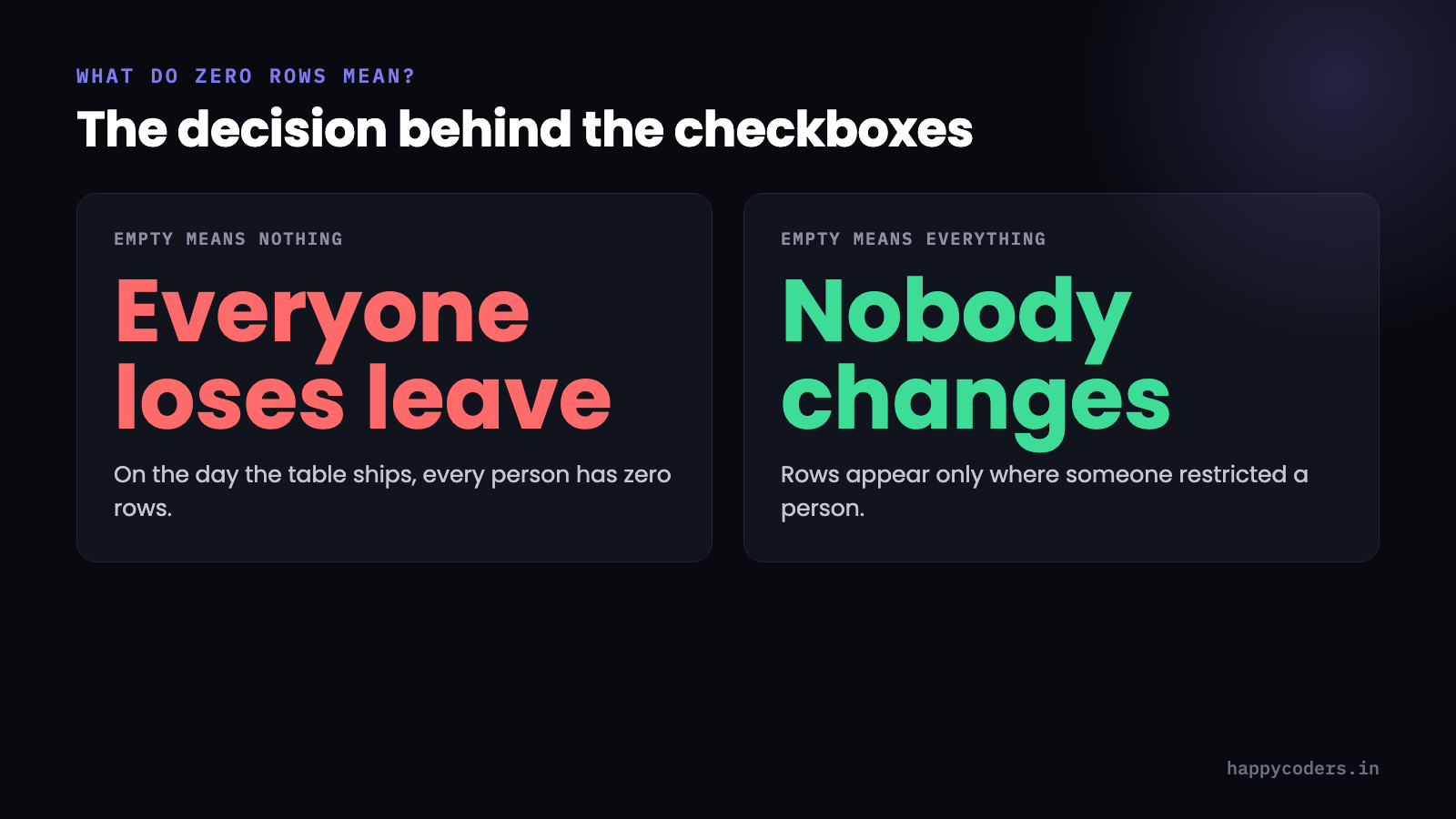
Empty means nothing. A person may only use the types they have a row for. It looks clean and strict, and it is how most permission tables work.
Empty means everything. A person with no rows is unrestricted. Rows only appear once someone deliberately restricts a person, and then the rows are the complete list.
The first option has one fatal problem: the table starts empty. On the day the feature ships, every existing person in every company has zero rows. Under “empty means nothing”, the migration that creates the table would remove every leave type from every employee at the moment it runs. You could back-fill a row for every person and every type in the same migration, but then every new leave type and every new joiner needs rows written for them too, forever, and one forgotten code path quietly leaves someone with no leave.
“Empty means everything” has none of those problems. Shipping it changes nobody. A new joiner is unrestricted until someone decides otherwise. A new leave type is available to everyone who is unrestricted, automatically. Rows exist only where a person actually made a decision.
One method decides, and nobody else is allowed to
The danger with “empty means everything” is that it is the opposite of what the relationship looks like. Any developer who writes $user->leaveTypes to answer “can this person use sick leave?” gets an empty list for most people and concludes they can use nothing. One careless query, in a report or a new screen, inverts the rule.
So the rule lives in exactly one method, and the relation itself carries a comment telling you not to use it for this question:
/**
 * The leave types this member may apply for, as ids.
 * The ONE place the absence rule is decided.
 */
public function eligibleLeaveTypeIds(Organization $organization): array
{
    $chosen = $this->leaveTypes->pluck('id')->all();

    // 1. An explicit selection is a deliberate decision about one person.
    if ($chosen !== []) {
        return $chosen;
    }

    // 2. No selection, but inside probation: only the types allowed then.
    if ($this->isOnProbation($organization)) {
        return $organization->leaveTypes()
            ->where('available_during_probation', true)
            ->pluck('leave_types.id')->all();
    }

    // 3. No selection, no probation: everything, exactly as before.
    return $organization->leaveTypes()->pluck('leave_types.id')->all();
}
Every place that needs to know what someone may apply for calls this method, or the one-line mayApplyForLeaveType() wrapper around it. The apply form’s type picker, the server’s check when a request is saved, the leave balance cards and the team balances table all go through it. If the rule ever needs to change, it changes in one place.
A small performance detail: the method reads the loaded property, not the relation query. The team balances table walks every person in the company, and with the relation eager-loaded that is one query in total instead of one per person.
Adding probation without breaking the absence rule
Probation was the reason for the feature, and the obvious implementation is wrong. If you write explicit rows for each new joiner (“only unpaid leave”), someone has to remember to delete them six months later, and they will not. Probation is a period of time, so it should be calculated, not stored as a decision.
It needed two facts the system did not have. A real joining date for each person, and a flag on each leave type saying whether it is available during probation:
// New columns default to the old behaviour, so the migration changes nobody.
$table->date('date_of_joining')->nullable();                  // null = no probation
$table->boolean('available_during_probation')->default(true); // every type stays open
Both columns follow the same absence rule as the pivot table. A missing joining date means no probation, not “treat them as new”. A new column on leave types defaults to available. So the migration, again, changes nobody. Probation only starts to apply when a company marks a type as withheld and records joining dates, which is their policy decision, not ours.
public function isOnProbation(Organization $organization): bool
{
    $joined = $this->pivot?->date_of_joining;

    if (! $joined) {
        return false;            // no date recorded = no probation, never "restrict"
    }

    return Carbon::parse($joined)
        ->addMonths($organization->probationMonths())   // 6 unless the company changes it
        ->isFuture();
}
The joining date had to be a new field, and this is the trap we nearly fell into. The membership already had a joined_at column, and it looks exactly like the right one. It is not. It records when the account was created. In a company that started using the system recently, people who had worked there for years all had a joined_at of the day the system went live. A probation rule based on that column would have put long-serving staff back on probation for six months. Before you reuse a column, check what actually writes to it, not what its name says.
The order of the three rules
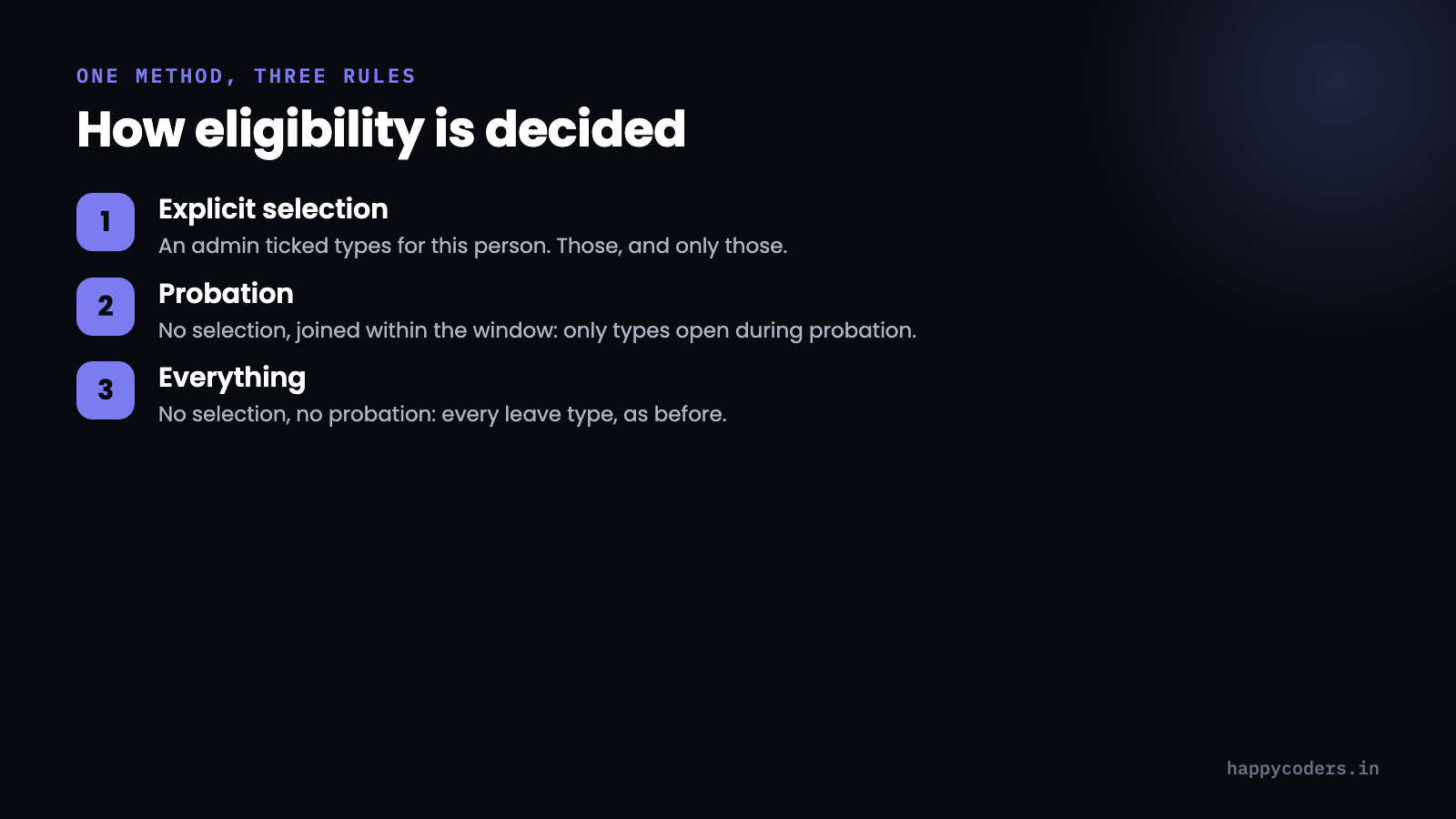
With two sources of restriction, the method has to decide which wins. The order is explicit rows first, then probation, then everything.
Explicit rows outrank probation because an admin ticking boxes for one person is a deliberate decision about that person, and the automatic window is a default. That gives companies an escape hatch: if someone in their third month needs sick leave for a genuine reason, the admin ticks sick leave for that person, and it is allowed. The decision is visible on the People page and recorded in the audit log.
Probation only applies to people with no explicit rows. Otherwise an admin’s careful selection would be silently overridden by a date calculation.
Everything is the fallback, which keeps the absence rule intact for the large majority of people who have no restriction at all.
Enforced on the server, for every way a request arrives
Hiding sick leave from the dropdown is not enforcement: anyone can still send the request. So the check runs when the request is saved:
// When a request is saved, on your own behalf or someone else's:
abort_unless(
    $applicant->mayApplyForLeaveType($organization, (int) $data['leave_type_id']),
    422,
    "This leave type is not available to {$who}.",
);
One detail took a second attempt. Managers can file leave on someone else’s behalf, and when they do, rules like minimum notice, balance and overlapping dates are relaxed, because the manager is often recording leave that has already been taken. The first version put the eligibility check inside that same “relaxed” block, so a manager filing for a probationer could still record sick leave, which wrote exactly the row the rule exists to prevent.
The fix was to recognise that eligibility is a different kind of rule. Notice and balance are “not right now” rules, and an approver may have good reason to pass them. Eligibility says the type does not exist for this person. So it sits outside the relaxed block and applies to every filing. A manager who genuinely needs an exception makes it explicitly on the People page first.
The apply form follows the same logic: when you file for yourself it shows your types, and when you file for someone else it shows theirs, and resets the selection if you change the person.
The one thing this design cannot say
“Empty means everything” has a cost, and it is worth being honest about it. With this encoding, “this person may use no leave types at all” cannot be stored as zero rows, because zero rows already means “unrestricted”. If an admin unticks every box, the natural thing to save is an empty list, and an empty list reads back as everything.
In practice almost nobody needs “no leave at all”: unpaid leave exists precisely so there is always something to apply for. But if your domain does need it, do not try to squeeze a third meaning into the same table. Add an explicit mode, for example a column on the membership that says unrestricted, restricted to the list or none, and have the one deciding method read it first. The absence rule stays a safe default, and the rare case becomes something you can state rather than something you hope the code infers.
Checklist for any “empty means everything” table
- Decide what zero rows means before writing the migration, and make sure shipping the table changes nobody.
- Put the decision in one method, and comment the raw relation so nobody uses it for the question.
- Give every new column a default that preserves today’s behaviour; null means “no rule”, not “restrict”.
- Calculate time-based rules like probation; do not store them as rows someone must remember to delete.
- Order the sources of restriction explicitly: a person-level decision outranks an automatic default.
- Enforce on the server for every path, including actions taken on someone else’s behalf.
- Know what your encoding cannot express, and add an explicit mode if you need it.
Happy Tracker is our time tracking, leave and attendance system for service businesses, free for up to five users. See how it works.
Related articles
Vite Bakes Environment Variables In at Build Time: The Rebuild That Blanked Our Login Page
A routine rebuild of the Happy Tracker web app shipped a blank login page. Vite writes environment variables into the bundle at build time, …
Desktop App or Browser: Deciding Where Your Team Can Clock In
Four of five people clocked in from a browser, so the screenshots were empty. How to choose between browser, desktop-only and desktop-with-e…
The Project Is Going Over and You Have Not Told the Client
Week six, forty per cent over, and the conversation has not happened. How to have it now, and what the tracker should have told you in week …