


Most voice changers have one control. Move it up and everybody sounds like a cartoon; move it down and everybody sounds like a villain. That is not a voice changer, it is a speed control, and it is why the feature has a reputation for being a toy.
The reason is that a human voice carries two separate things, and one knob moves both.
Two things, not one
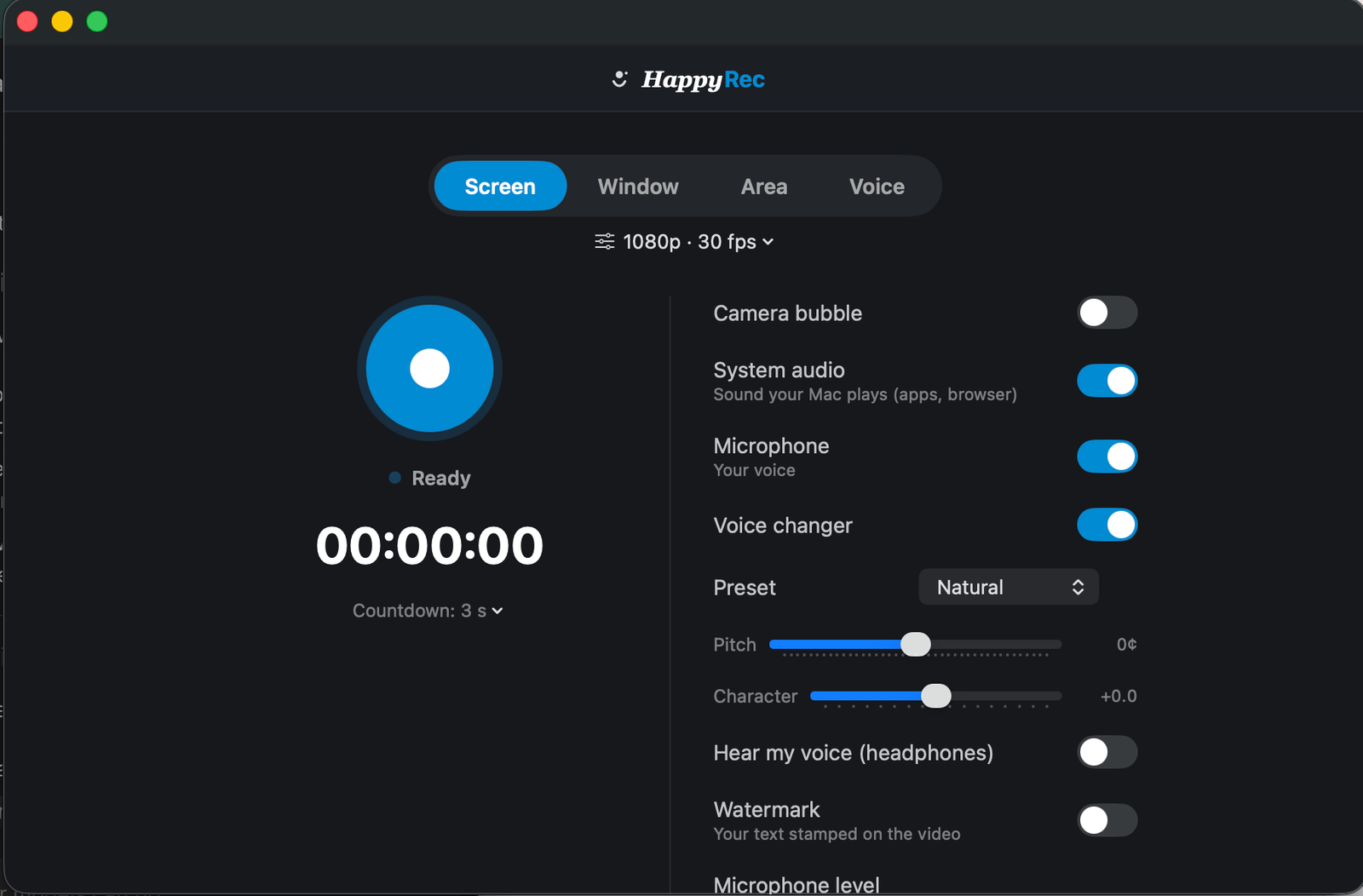
Pitch is how high or low the note of your voice is. It is what changes when you sing higher.
Character is the resonance of the body the voice came out of — the size of your throat and mouth. It is why two people singing the same note still sound like different people.
Speed a recording up and both move together, which is why it sounds like a chipmunk rather than like a higher voice. Separating them is what makes a changed voice sound like a person instead of an effect.
The presets
Each preset is a pair of values, and knowing what they are makes it obvious which to reach for.
- Natural — both at zero, the effect bypassed entirely. Your voice, untouched.
- Male — pitch down, character down. Reads as a larger vocal tract.
- Female — pitch up, character up. Reads as a smaller one.
- Chipmunk — both up hard. Obviously a costume, and meant to be.
The first three are meant to sound like a person. The last one is meant to be funny, and it works because it is deliberate rather than accidental.
Which to use for what
Narration you do not want traced to you — Male or Female, whichever is further from your natural voice. A moderate shift is far more convincing than a large one.
A character voice for a video — Chipmunk, or the sliders pushed further than any preset. Here the point is that it obviously is not a real person.
Sounding a bit different without sounding processed — start from Natural and move pitch two or three steps. Small changes are the ones nobody detects.
Anything professional — Natural. A voice changer on a client recording is noticeable, and being noticed is the one thing it should not be.
If the goal is to sound different rather than to sound like somebody else, less is more. A small shift is unrecognisable as processing; a large one is unmistakable.
Hearing yourself while recording
There is a switch for monitoring — hearing your own changed voice in your headphones while you record.
It is useful for finding the right setting and difficult to speak over, because hearing your own voice back, even slightly delayed, makes people stumble. The practical approach is to switch it on while adjusting, then off before recording anything long.
What the two sliders do, precisely
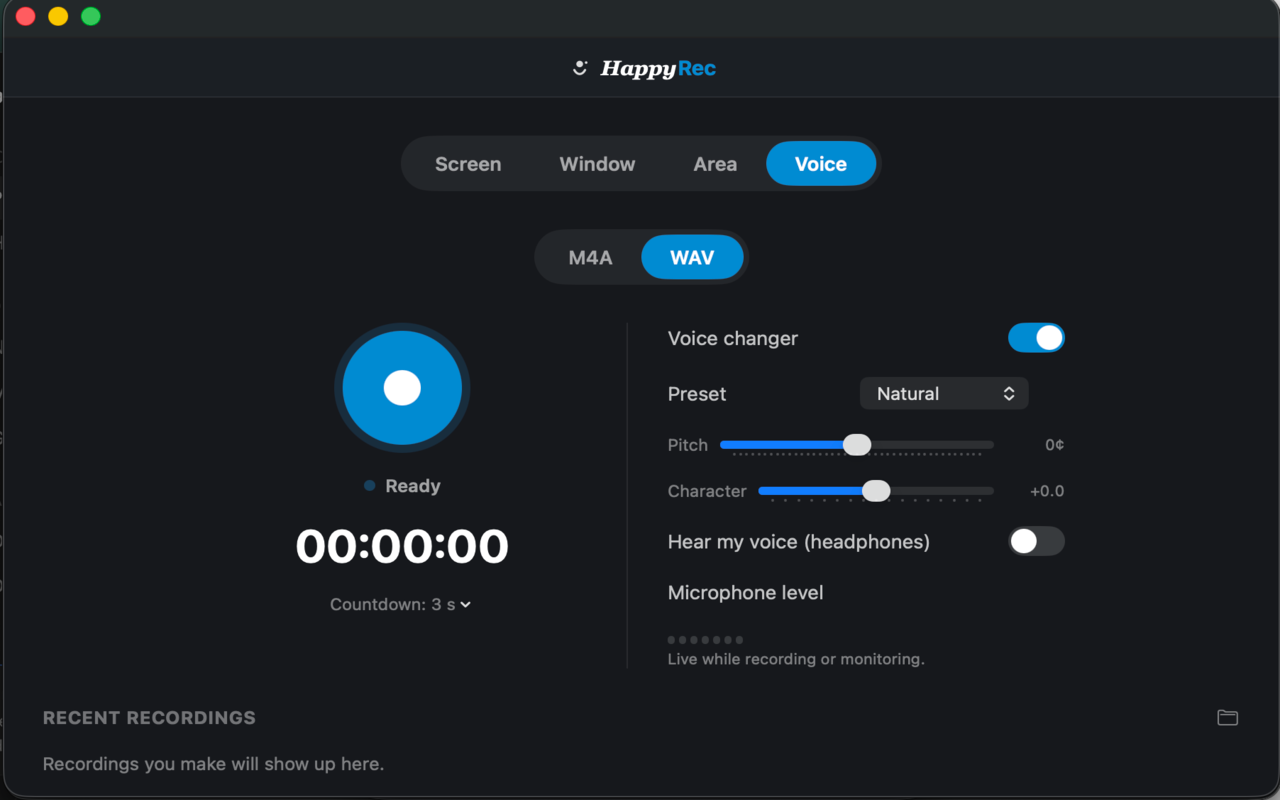
The presets are starting points. The sliders underneath them are where a voice that sounds right actually comes from, and the two behave differently.
Pitch moves the note. Small amounts are unnoticeable; large amounts are the thing everybody recognises as a voice changer. Two or three steps is a different-sounding person. Nine steps is a cartoon.
Character moves the apparent size of the speaker. Down suggests someone larger, up suggests someone smaller. On its own, with pitch untouched, it produces the strangest and most interesting results — the same note from a different body.
Moving them together in the same direction is what the presets do and what sounds most natural. Moving them in opposite directions is where character voices come from.
Finding a setting that works
- Start from a preset, not from zero. It gets you most of the way.
- Record ten seconds and listen back. Monitoring while speaking is misleading — your own voice through your skull is not what the file contains.
- Adjust one slider at a time. Moving both makes it impossible to tell which caused what.
- Stop earlier than you think. The setting that sounds convincing is almost always smaller than the one that sounds interesting while you are adjusting it.
Once you find a setting that suits your voice, it will suit it for every recording. This is a five-minute exercise done once, not a decision made per video.
The honest limits
A voice changer changes how a voice sounds. It does not change how somebody speaks — rhythm, phrasing, the words they choose, the way they pause.
Anybody who knows you will recognise you from a moderately shifted voice, because they are recognising your manner rather than your pitch. If the goal is genuinely to be unidentifiable, a voice changer alone will not do it.
For the ordinary reasons people use one — a narration they would rather not have attached to them, a character in a video, not wanting to hear their own voice back — it works well and it is doing exactly what it says.
Using it with the other modes
The voice changer is not limited to Voice mode. It works in Screen, Window and Area recordings too, applied to the microphone before it goes into the file.
That makes it useful for a specific case that comes up more than you would expect: a walkthrough that has to be shared publicly, made by somebody who would rather their voice was not attached to it. A moderate shift, a screen recording, and the tutorial gets made.
It applies to the recording, not to what you hear in a call or anywhere else on the Mac. Nothing outside HappyRec is affected.
It works in any language
The processing works on the sound itself and never on words. It does not know what language you are speaking, it has no model of speech, and nothing is sent anywhere to be analysed.
That means it behaves identically in Tamil, Hindi, English or laughter, and it runs entirely on your Mac with no network involved at all.
Where it sits in the app
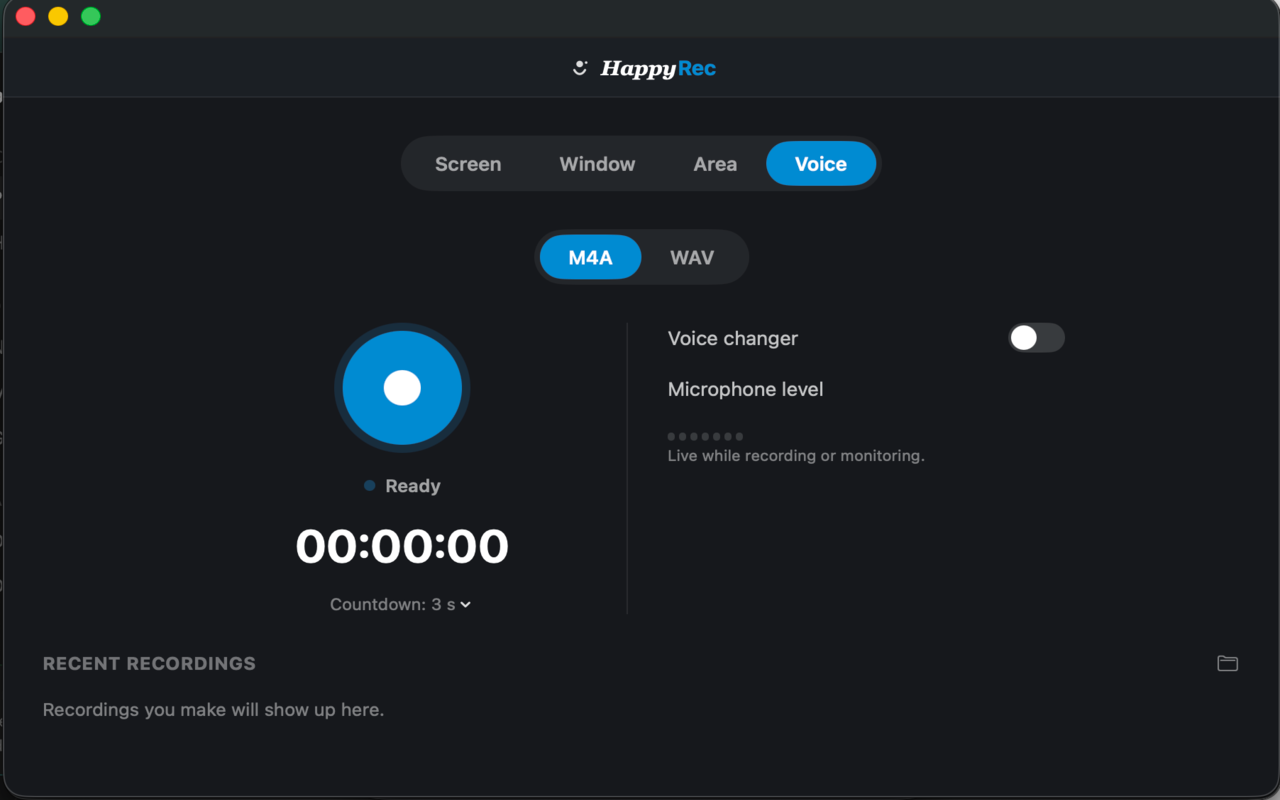
The voice changer is a switch like the others, with the preset list and the two sliders underneath it. It is applied to the microphone before the recording is written, which means what you record is what you get — there is no separate processing step afterwards and nothing to export.
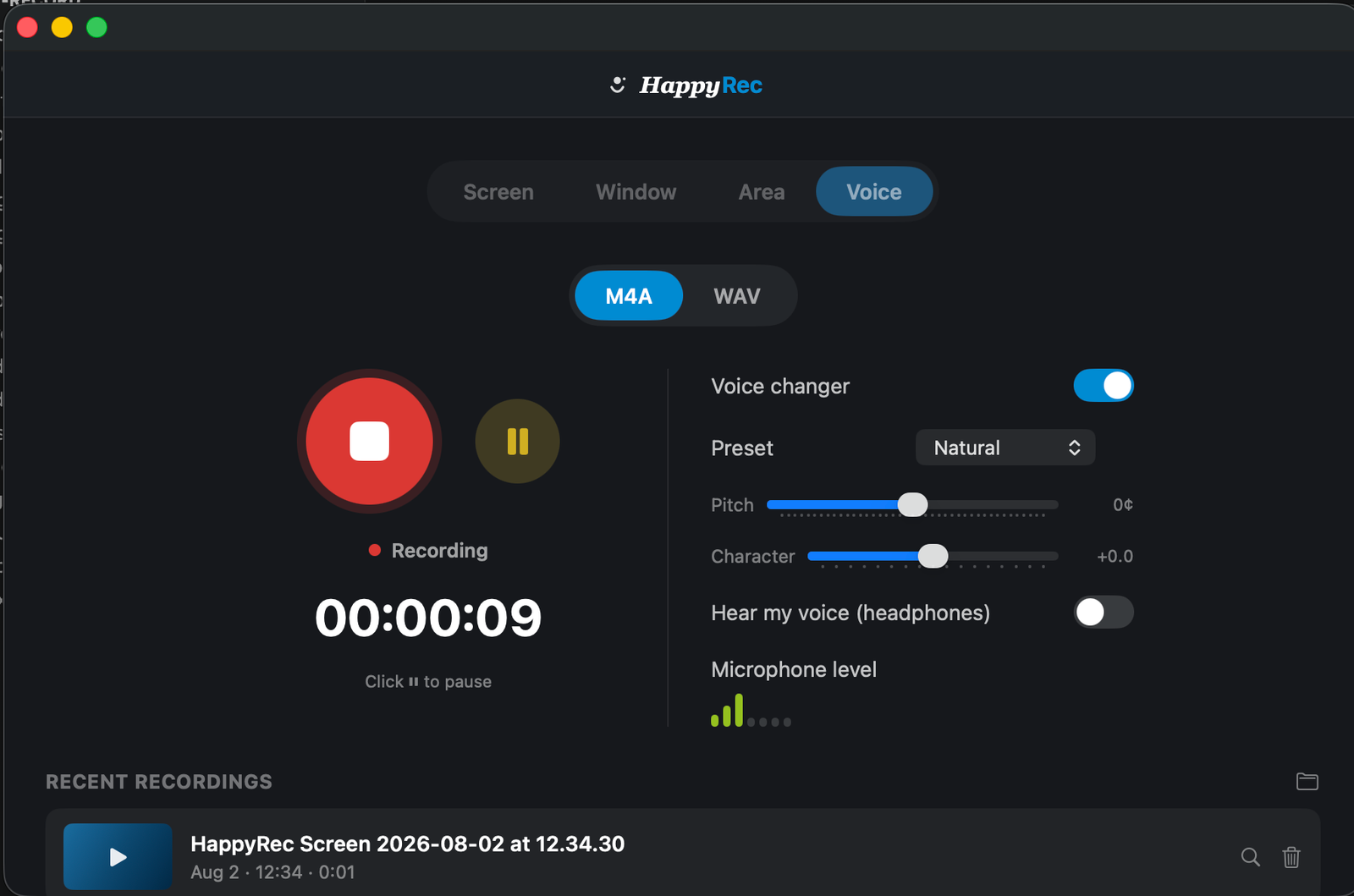
The level meter shows the signal after processing. That matters, because a large pitch shift can change the apparent level, and the meter you are setting is the one that corresponds to the file.
It runs on your Mac
No part of this involves a network. There is no model being consulted, no audio being sent anywhere for processing, and no account. The processing happens on your machine while you speak, which is also why it works with no connection at all.




