


Somebody asks for a demo of the thing you built. You have no studio, no script, no presenter and no budget, and the demo is needed this week.
The good news is that the polished version is usually worse. A product demo that looks produced invites comparison with other produced things. A demo that looks like a competent person showing you their screen invites the question “can it do X”, which is the question you want.
Decide the one thing first
Every bad demo is bad for the same reason: it tries to show everything. The fix is to decide, before recording, the single thing the viewer should be able to do afterwards that they could not do before.
Write it down as one sentence. “After this, they understand that hours attach to a project automatically.” Everything that does not serve that sentence comes out, however proud of it you are.
If you cannot write the sentence, the demo is not ready, and recording it will not clarify it.
Three minutes, three beats
A structure that works for almost any software demo:
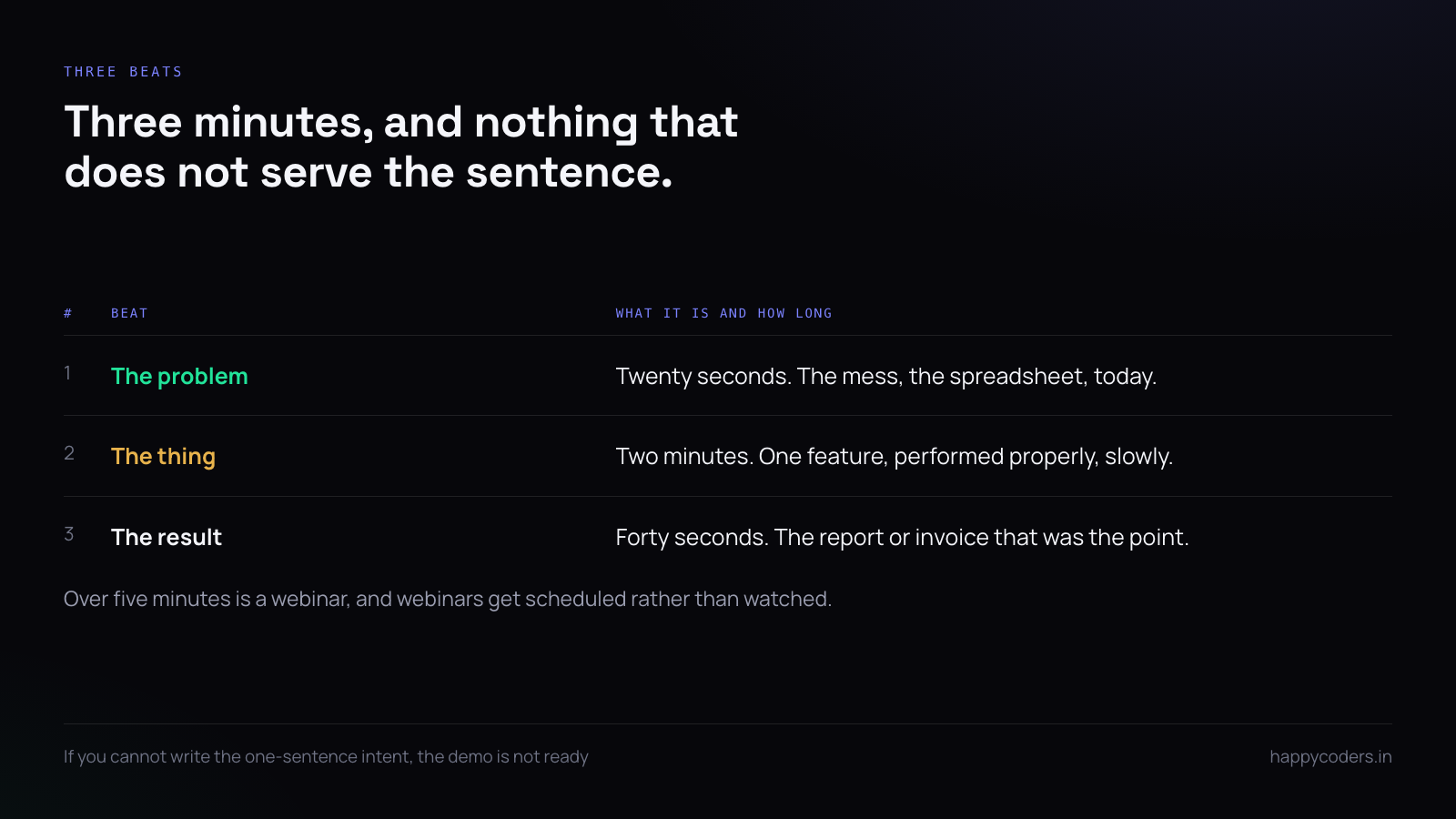
- The problem, in one screen. Twenty seconds. Show the mess, the spreadsheet, the thing that does not work today.
- The thing, done once, slowly. Two minutes. Not every feature — the one thing, performed properly.
- The result. Forty seconds. The report, the invoice, the output that was the point.
Three minutes is long enough to be useful and short enough to be watched to the end. Anything over five is a webinar, and webinars get scheduled rather than watched.
Record at the size people will watch it
A demo recorded on a 4K display and watched in a 600-pixel-wide box on a website is unreadable, and the reason is never obvious to the person who recorded it, because it looked fine on their screen.
Before recording, set the browser or app window to roughly the proportions people will see it in, and increase the interface’s zoom until the text is comfortably readable at that size. Everything should be slightly larger than feels natural to you.
The test is to play it back at the size it will be embedded. If you have to lean in, so will everybody else, and most of them will not.
Prepare the data, not the script
The hour before recording is best spent making the account look real rather than writing sentences. Real-sounding client names, a believable number of projects, hours that are not all round numbers, a few things half-finished.
Demo data that is obviously fake — Client A, Project 1, eight hours exactly — tells the viewer they are being shown a toy. Data that looks like a working week tells them it is a product.
Talk while you do it
Recording the screen and the voice together, in one take, is both faster and better than recording separately. The commentary stays attached to what is on screen, and the small hesitations make it sound like a person rather than an advertisement.
You do not need a script. You need to know the three beats and the one sentence. If you fluff a sentence, carry on — a demo with one stumble is believable; a demo with none has been edited, and viewers can tell.
What to clean up before you press record
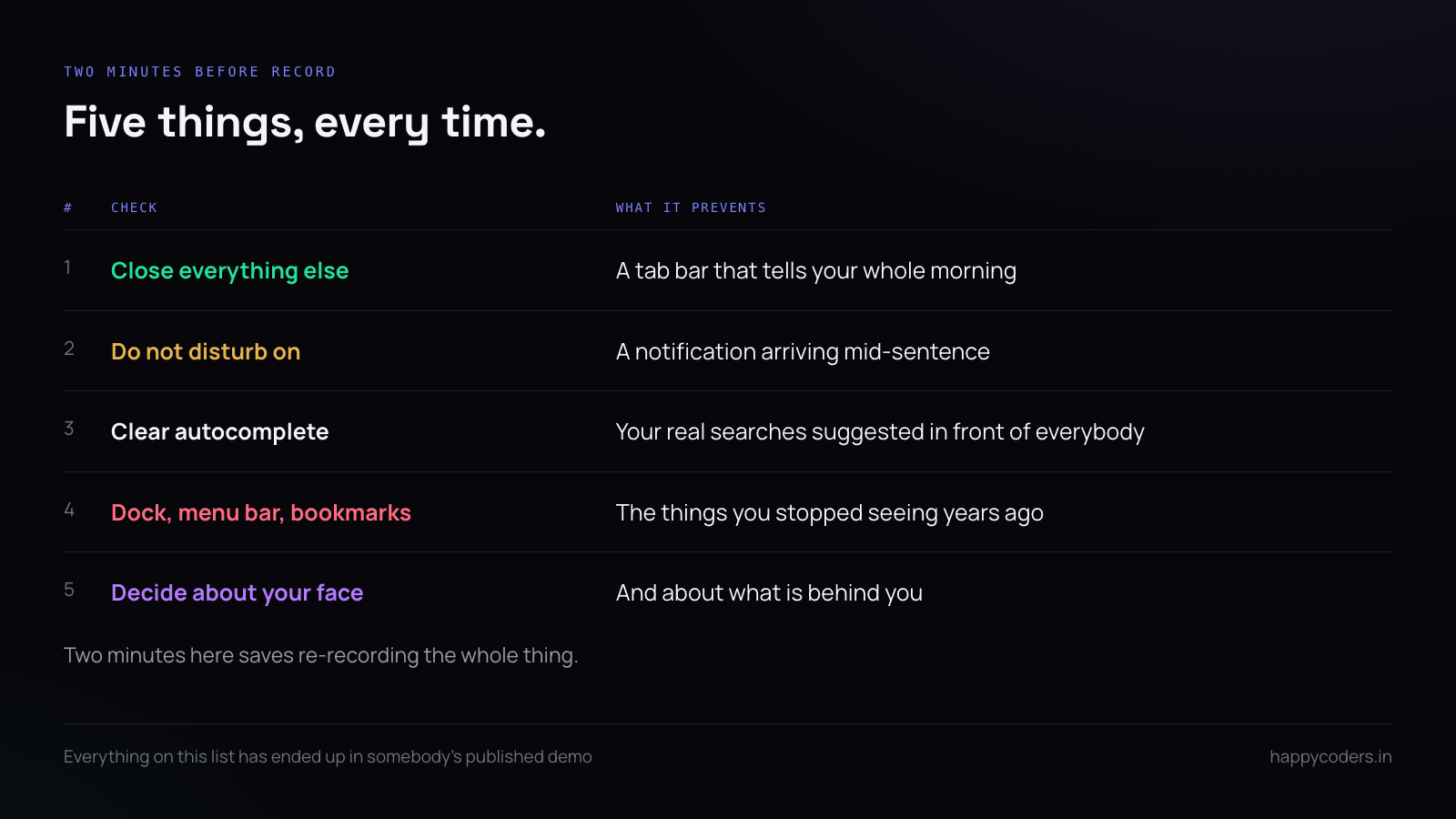
Five things, every time, and they take two minutes:
- Close every other tab and every other application.
- Turn on do not disturb, so no notification arrives mid-sentence.
- Clear the browser’s autocomplete, which will suggest your real searches in front of everybody.
- Check what is in the dock, the menu bar and the bookmarks bar.
- Decide whether your face is in it, and if it is, check what is behind you.
The pointer is the presenter
In a demo with no presenter on screen, the mouse pointer is doing the job of a hand. Treat it that way.
Move it deliberately to the thing you are about to talk about, pause, then click. Do not move it while you are explaining something it is not pointing at — the viewer’s eye follows the pointer and ignores your voice.
Parking the pointer still, off to one side, while you talk is a genuinely useful habit. It tells the viewer that nothing is happening and they should listen rather than watch.
The camera bubble, used sparingly
A small camera bubble in the corner makes a demo warmer and slightly harder to follow. The useful compromise is to have it on for the opening and closing, where you are talking to the viewer, and off in the middle, where they should be looking at the screen.
If your tool can move or hide the bubble while recording, use that rather than deciding once at the start. If it cannot, leaving it on is fine — the warmth is worth more than the distraction.
Recording in one take and fixing it by re-recording
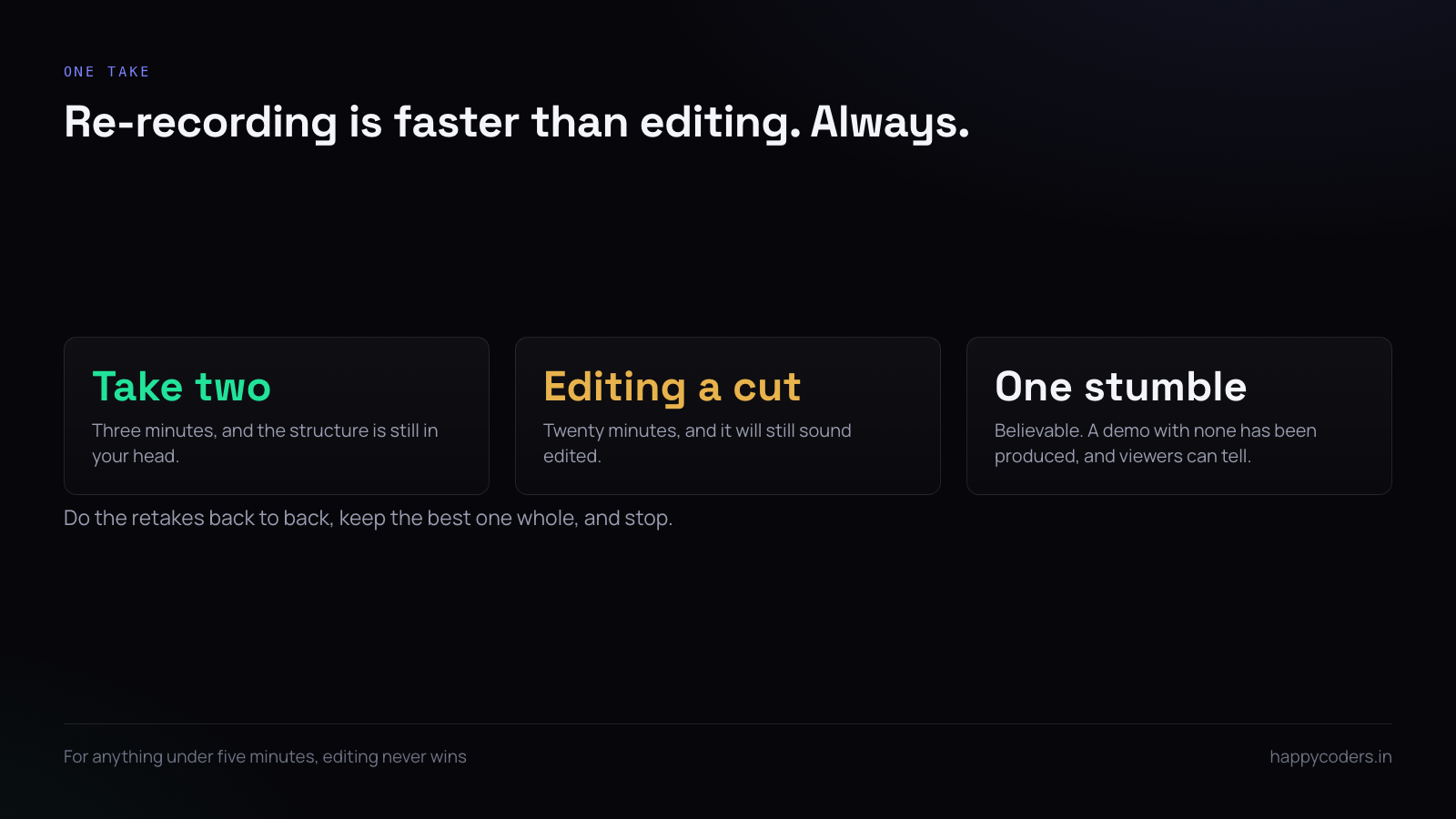
Editing takes longer than re-recording, for anything under five minutes, every time. A second take of a three-minute demo costs three minutes. Cutting a mistake out of the first take costs twenty.
Accept that take two or three is where you will land, do them back to back while the structure is still in your head, and keep the best one whole.
What to do about the voice you dislike
Almost everybody dislikes their recorded voice, and almost everybody records a worse demo as a result — rushing, going quiet, or abandoning voice altogether.
Two things help. Record standing up, which changes your breathing more than you expect. And record the first take knowing you will delete it; the second take is almost always the one, and knowing the first is disposable removes most of the self-consciousness.
If you genuinely cannot, record silently and add captions. A silent demo with good captions is better than an anxious narrated one, and far better than no demo.
Where it goes afterwards
A demo recording has three homes and they want different lengths. The sales conversation wants the full three minutes. A website wants a ninety-second cut with no voice, autoplaying silently. A support reply wants thirty seconds of the specific thing somebody asked about.
Record the three-minute one properly and the other two are trims of it. Recording three separate things is how a demo never gets made.
A short answer
One sentence of intent, three beats, three minutes, real-looking data, one take with voice, and two minutes of cleaning up the desktop before you start. No studio, no script, no editing. The demo that looks like a competent person showing you their screen is the one people believe.
HappyRec records screen and voice together, with a camera bubble you can move or hide mid-recording, free on Mac and Windows, with nothing uploaded anywhere.




