


You are about to record your screen and there is something on it that belongs to somebody else: a customer’s name, a colleague’s salary, a client’s unreleased design, a patient record, a bank balance.
Most of the time the answer is not “do not record”. The recording is how you explain the problem. The answer is to know, before you press start, what is going to be in frame and what you are going to do about it.
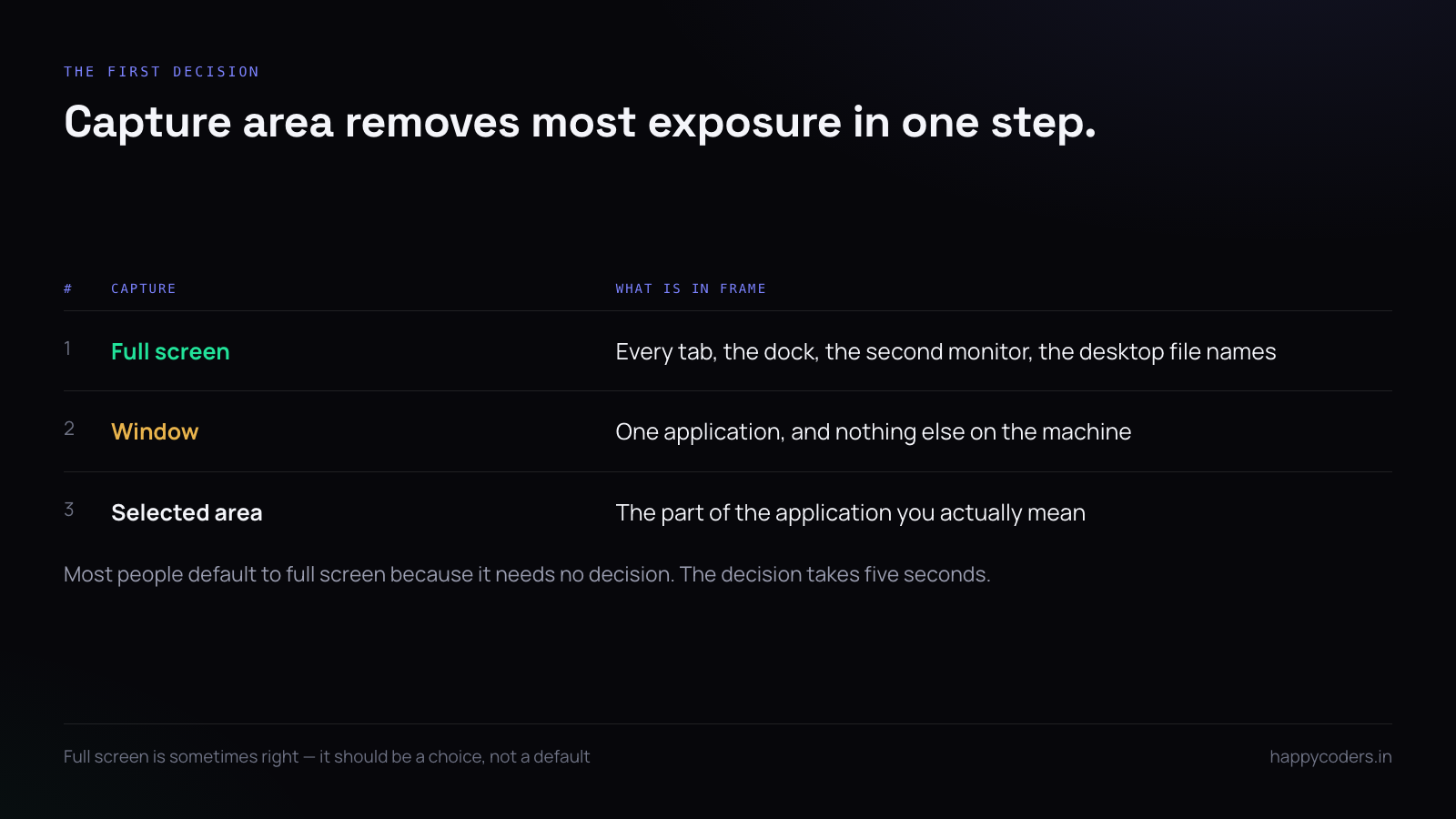
Record the smallest thing that works
The single most effective control is the capture area. A full screen records everything you have open. A window records one application. An area records the part of the application you actually mean.
Most people default to full screen because it needs no decision. Making the decision takes five seconds and removes the majority of accidental exposure in one step — the other tabs, the other monitor, the dock, the file names on the desktop.
Where the problem genuinely spans applications, full screen is the correct choice. The point is that it should be a choice.
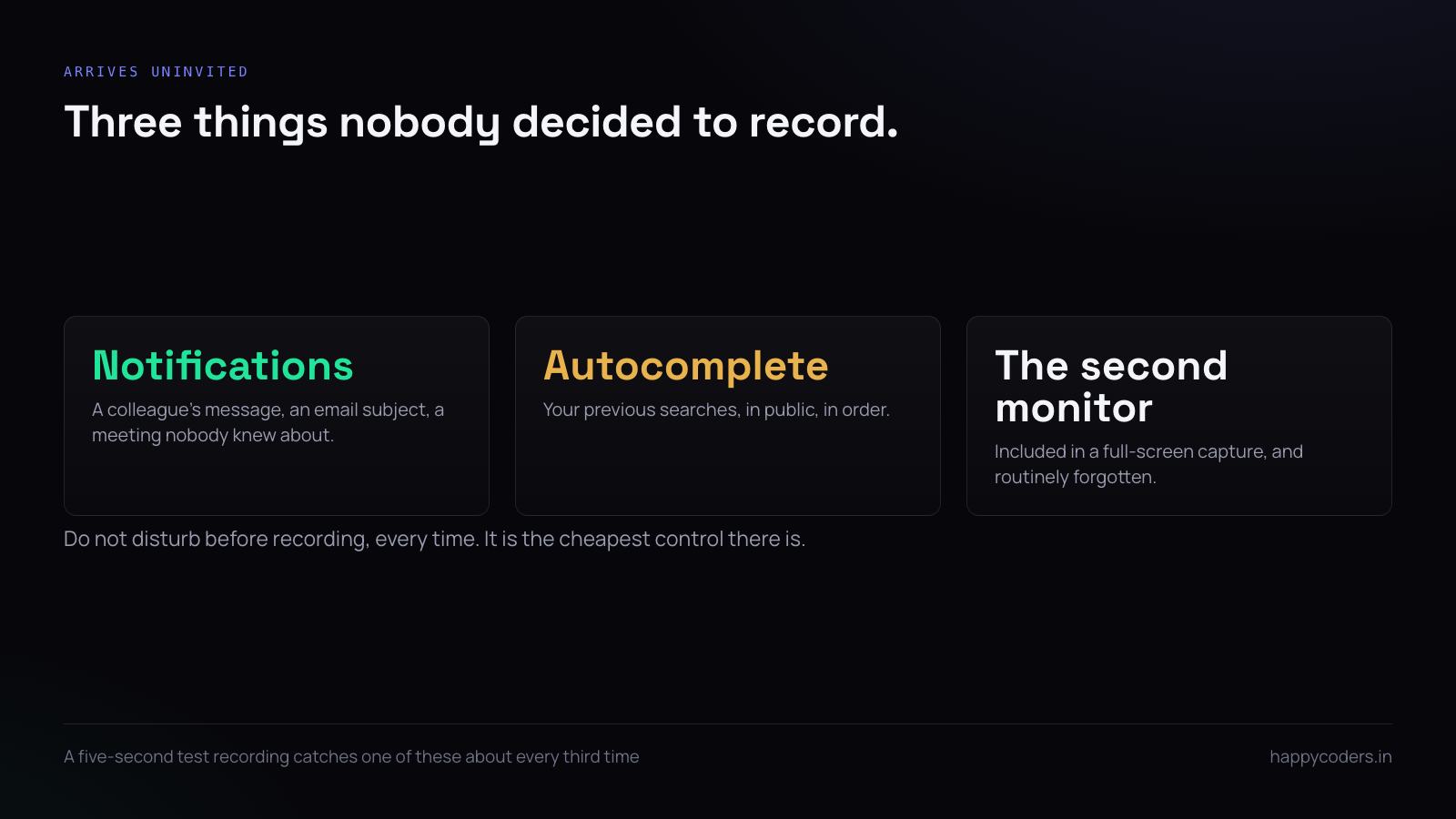
What arrives uninvited
Three things appear in recordings without anybody deciding they should:
- Notification banners. A message from a colleague, the subject line of an email, a calendar reminder naming a meeting nobody knew about. Turn on do not disturb before recording, every time.
- Autocomplete. Typing into a search box or an address bar offers your previous searches, in public, in order.
- The second monitor. People forget it is included in a full-screen capture on a multi-display setup.
A demo account is worth the hour it costs
If you record anything regularly — support replies, tutorials, demos — a permanent account full of invented but believable data pays for itself in about a week.
The work is making it look real rather than making it look clean. Client names that sound like companies, a few projects at different stages, hours that are not round numbers, one thing overdue. A demo account that looks tidy reads as a toy; one that looks like a normal Tuesday reads as a product.
Keep it signed in on its own browser profile. The thing that ruins a demo account is recording from it while also signed in to your real one in another tab, and the tab bar showing both.
Real data or made-up data
Decide which you are recording with before you start, because switching halfway produces the worst of both.
Made-up data is right for anything that will be published — a demo, a tutorial, a support article. It costs an hour to set up once and the account can be reused forever.
Real data is right for a bug report about real behaviour, where the bug may depend on the specific record. Here the control is not the data, it is who sees the recording and for how long.
Blur after the fact is not a strategy
Editing a recording to blur things out works, and it takes far longer than people expect, because the thing you are blurring moves. Three seconds of a name scrolling past is a three-second tracked blur, and you will miss a frame.
Treat blurring as the exception for the one thing you could not avoid, not as the plan. The plan is to not have it on screen.
Regulated data is a different conversation
Health records, payment card details, government identity numbers and anything covered by a data protection agreement are not a judgement call about tidiness. They come with rules about where a copy may be stored, who may see it and how long it may be kept.
The practical implication for recording is narrow but firm: a recording of that data is a copy of that data. If your agreement says it may not leave a particular system, a screen recording of it has left that system, and the fact that it is a video does not change what it contains.
For anything in that category, use a recorder that writes to a disk you control, and treat the file with the same care as an export of the underlying records — which usually means getting it off the machine and deleting it the same day.
The practical pre-flight
Four things, in the order they take time:
- Choose the capture area. Window or region, not screen, unless you need screen.
- Turn on do not disturb.
- Close or move anything you would not paste into the chat you are about to share this in.
- Do a five-second test recording and watch it. You will catch something every third time.
That last step is the one people skip and the one that works.
Where the file goes matters more than the recording
A recording of sensitive material is a file with the same sensitivity as whatever is in it, and it is usually treated as less sensitive because it is “just a video”.
The question worth asking is where it ends up. A tool that uploads to somebody’s cloud by default has made a decision about your customer’s data on your behalf. A tool that writes to your disk leaves the decision with you, which is more work and is the correct arrangement for anything regulated.
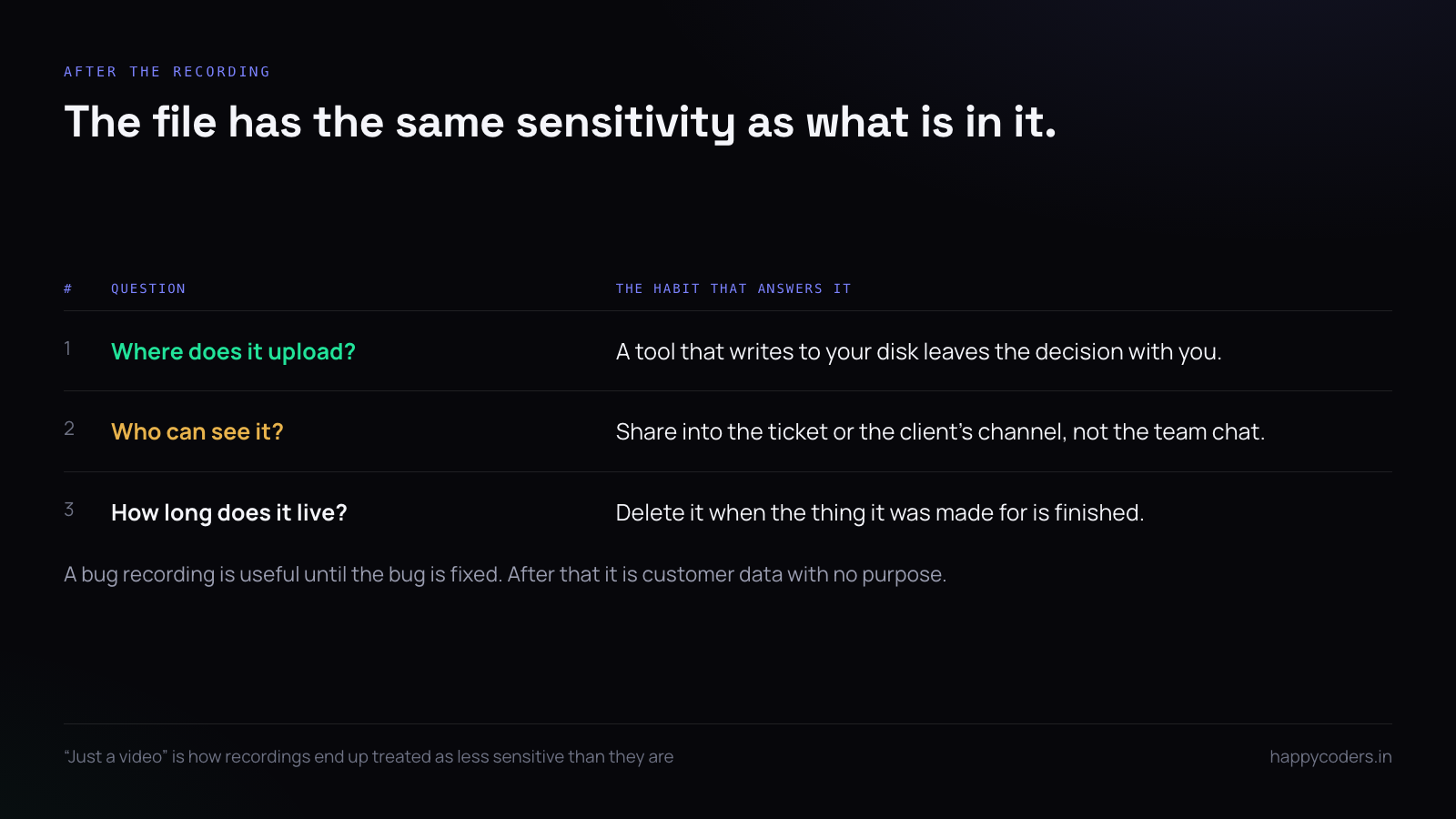
Who can see it, and for how long
Two habits cover most of it. Share into the place the work already lives — the ticket, the project, the client’s own channel — rather than a general team chat where it will be seen by people with no reason to.
And delete it when the thing it was made for is finished. A bug recording is useful until the bug is fixed. After that it is a file containing customer data with no purpose, sitting in a folder nobody reviews.
When somebody else is on the call
Recording a call with a colleague or a client is a different question again, and the answer is simpler than people make it: say you are recording, before you start, out loud. Not in the calendar invite.
In several jurisdictions it is a legal requirement; everywhere else it is the difference between a recording somebody consented to and one they find out about afterwards. The second kind damages a relationship permanently and for no benefit.
A short answer
Capture the smallest area that shows the problem. Do not disturb on, always. Decide between real and made-up data before you start, not during. Do a five-second test and watch it. Share it where the work lives, delete it when the work is done, and say it out loud if anybody else is on the call.
HappyRec records a screen, a window or a selected area, keeps every recording on your own machine with nothing uploaded, and needs no account to use.




