


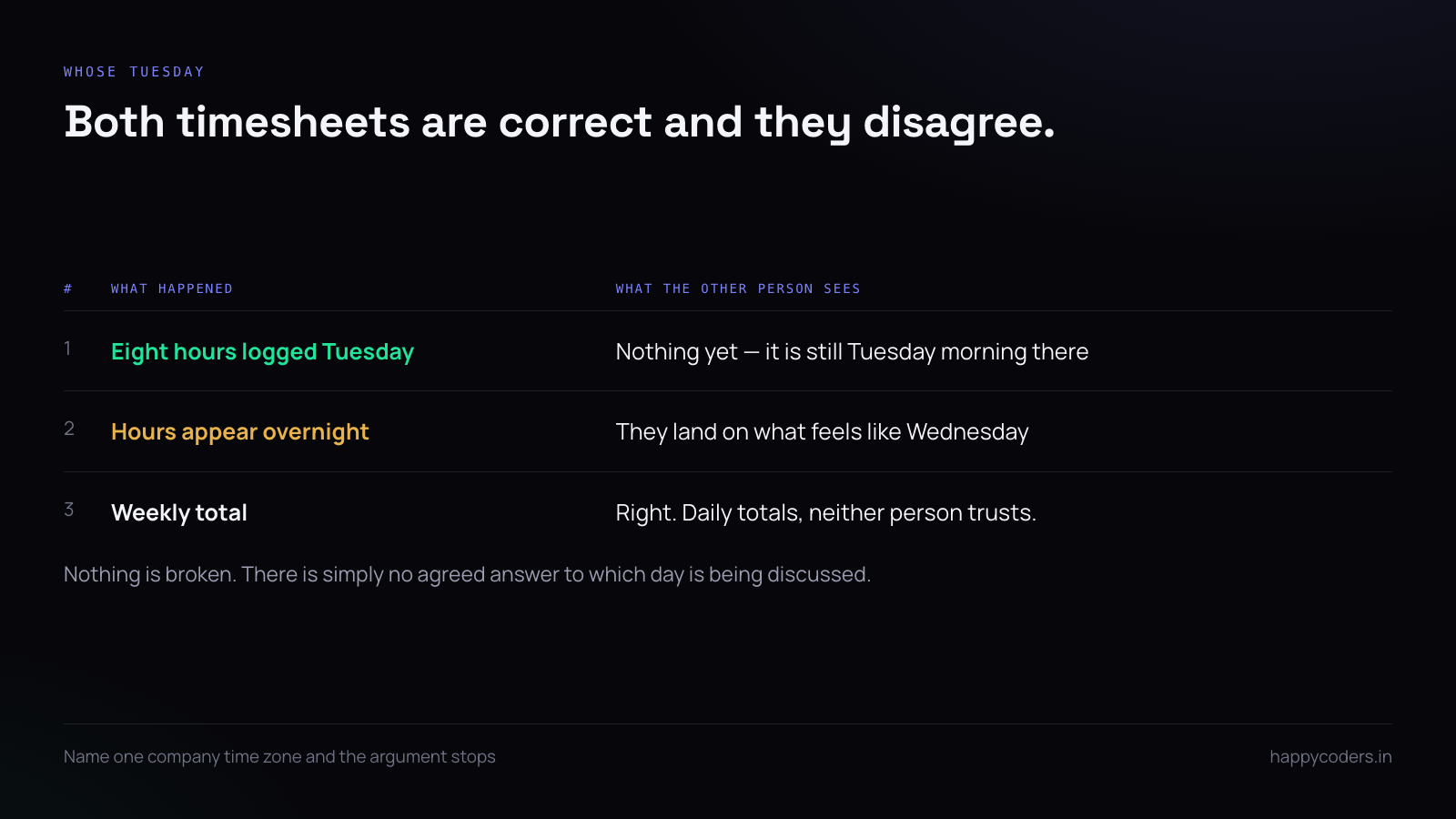
Two people, two countries, one project. One of them logs eight hours on Tuesday. The other opens the report on Tuesday morning and sees nothing. By the time the hours appear, it is Wednesday where they are sitting.
Nothing is broken. Both timesheets are correct. But every conversation about them starts with five minutes of working out whose Tuesday anybody means, and that five minutes happens every single time until somebody makes a decision.
Pick one company time zone and say which
The decision that removes most of the pain is choosing a single time zone that reports are expressed in, and writing it down where people will see it.
It does not have to be fair. It usually makes sense to use the time zone where the business is registered, or where most of the team sits, or where the client is. What matters is that one exists, that everybody knows which one, and that no report is ever ambiguous about it.
The alternative — every report rendered in the reader’s own time zone — sounds friendlier and is much worse. Two people looking at the same report see different daily totals, both believe their own version, and there is no third number either of them can appeal to.
Store in UTC, display in one place
This is a technical point with a very practical consequence. Every timestamp should be recorded in UTC and converted only when it is shown. Software that stores local times produces data that silently changes meaning when somebody travels or when a country shifts its clocks.
You can check this without reading any code. Have somebody change their machine’s time zone and look at a timesheet they already filed. If the hours move, the times are being stored wrong and every historic report is unreliable.
Where the confusion actually shows up
It is rarely the timesheet itself. It is the four places downstream that quietly use a date:
- The attendance grid. Somebody appears absent on a day they worked, because their day started after the company’s day ended.
- Overtime. Calculated per day, so a day boundary in the wrong place splits one long day into two ordinary ones and the overtime disappears.
- Leave. A half day taken in Manila and approved in London can land on two different dates in two different views.
- The invoice. A month boundary is a day boundary, so hours worked on the 31st can fall into the wrong month entirely.
Each of these is individually small and all four are the same decision. Make it once, upstream, and none of them comes up.
The day boundary is the real argument
Time zones are easy. Days are hard. Somebody in Manila finishing at 7pm has finished on a day that, in London, has barely started.
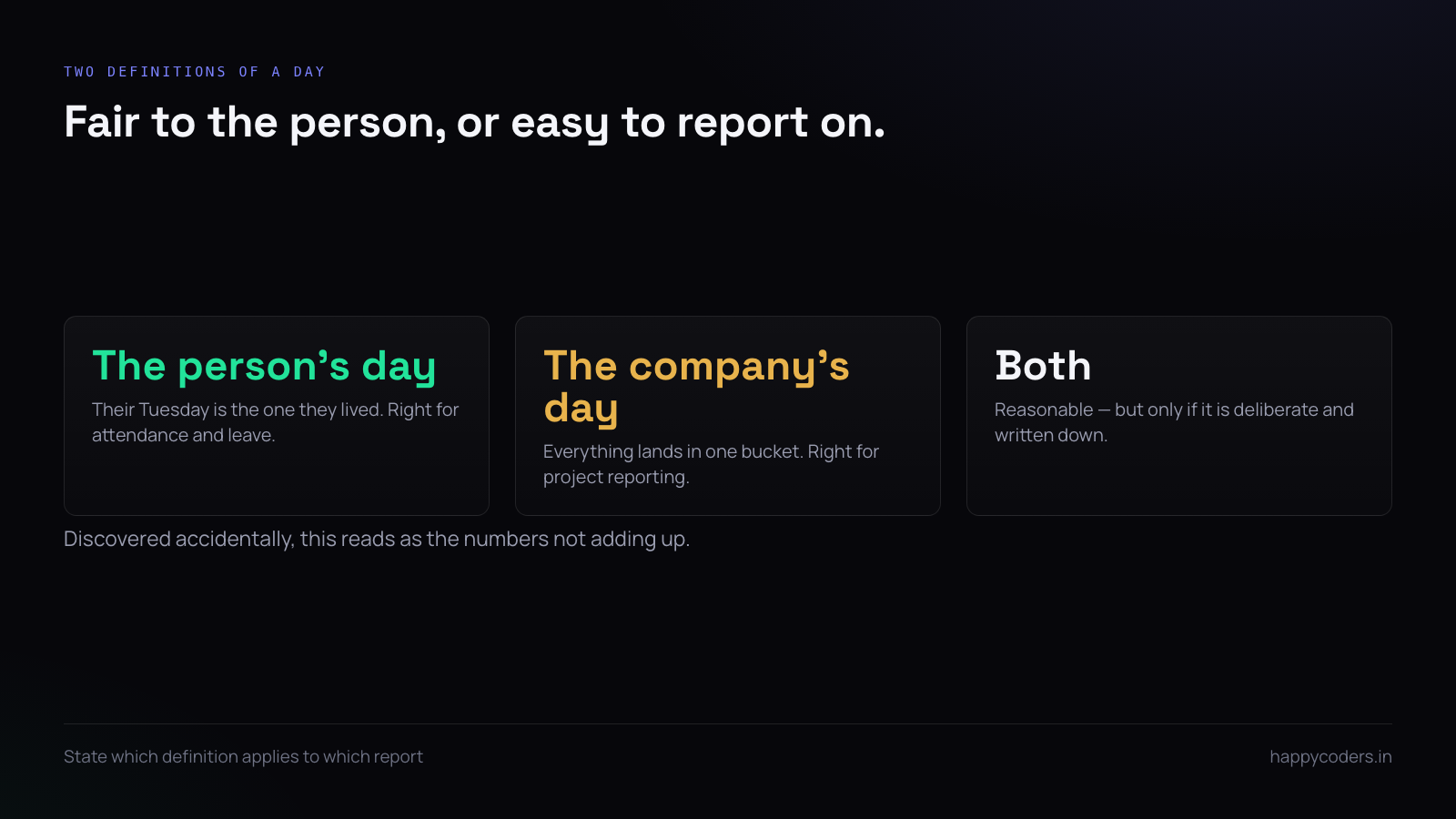
Decide whether a day belongs to the person or to the company:
- The person’s day is fairer to the individual. Their Tuesday is the Tuesday they lived. Daily totals make sense to them and the attendance grid matches their experience.
- The company’s day is easier to report on. Everybody’s hours land in the same bucket and a weekly total is a weekly total.
Most teams want the person’s day for attendance and leave, and the company’s day for project reporting. That is a reasonable arrangement, but only if it is deliberate and stated — discovered accidentally, it reads as the numbers not adding up.
Daylight saving, which will catch you once
Two days a year, a country shifts its clocks, and one day is twenty-three hours long and another is twenty-five. Somebody’s overnight shift gains or loses an hour that they did not work or did work.
If times are stored in UTC this resolves itself. If they are not, somebody will file a complaint about an hour, and the honest answer will be that the software cannot tell. India does not observe it, which lulls Indian teams into ignoring it entirely — right up until the first client or colleague in Europe or North America.
Hiring across a boundary you have not thought about
Teams usually discover their time zone policy by hiring somebody far away and then inventing rules under pressure. It is cheaper to decide before the first hire than during the first month of one.
Two questions settle most of it. How many hours of overlap does this role genuinely need — not “as many as possible”, a number. And whose working day is the one that bends when something is urgent, which is a question about fairness that will be answered one way or another, by policy or by habit.
A team that has answered both can hire anywhere. A team that has not will keep hiring within two hours of itself and call it a culture decision.
Meetings, and the hours they consume
On distributed teams the real cost is not the tracking, it is the meeting that sits at 7am for one person and 9pm for another. Those hours are tracked accurately and are miserable, and the misery does not show up anywhere in the report.
Worth doing once a quarter: look at what proportion of the overlapping hours are spent in meetings rather than in work. If a person’s only overlapping window is entirely consumed by calls, they are effectively working alone, and no amount of tracking will tell you that unless you look for it deliberately.
Deadlines need a time zone attached
“Due Friday” is not a deadline across time zones; it is a twenty-four-hour window somebody will interpret in their favour, usually without meaning to.
Put the zone on the deadline — “Friday 6pm IST” — in the task, not in the conversation about the task. It takes four characters and removes an entire category of disagreement, including the uncomfortable one where somebody delivered on time by their clock and late by yours.
Reading a report that spans zones
When you open a weekly report for a distributed team, three habits prevent most misreadings.
Check the zone the report is rendered in before reading any number — it should say, and if it does not, that is the first thing to fix. Read weekly totals rather than daily ones when comparing people in different zones, because the week is the smallest unit that is unambiguous for everybody. And when a daily number looks wrong, check the neighbouring day before concluding anything; the overwhelming majority of apparent anomalies are a day boundary, not a person.
What to tell a distributed team
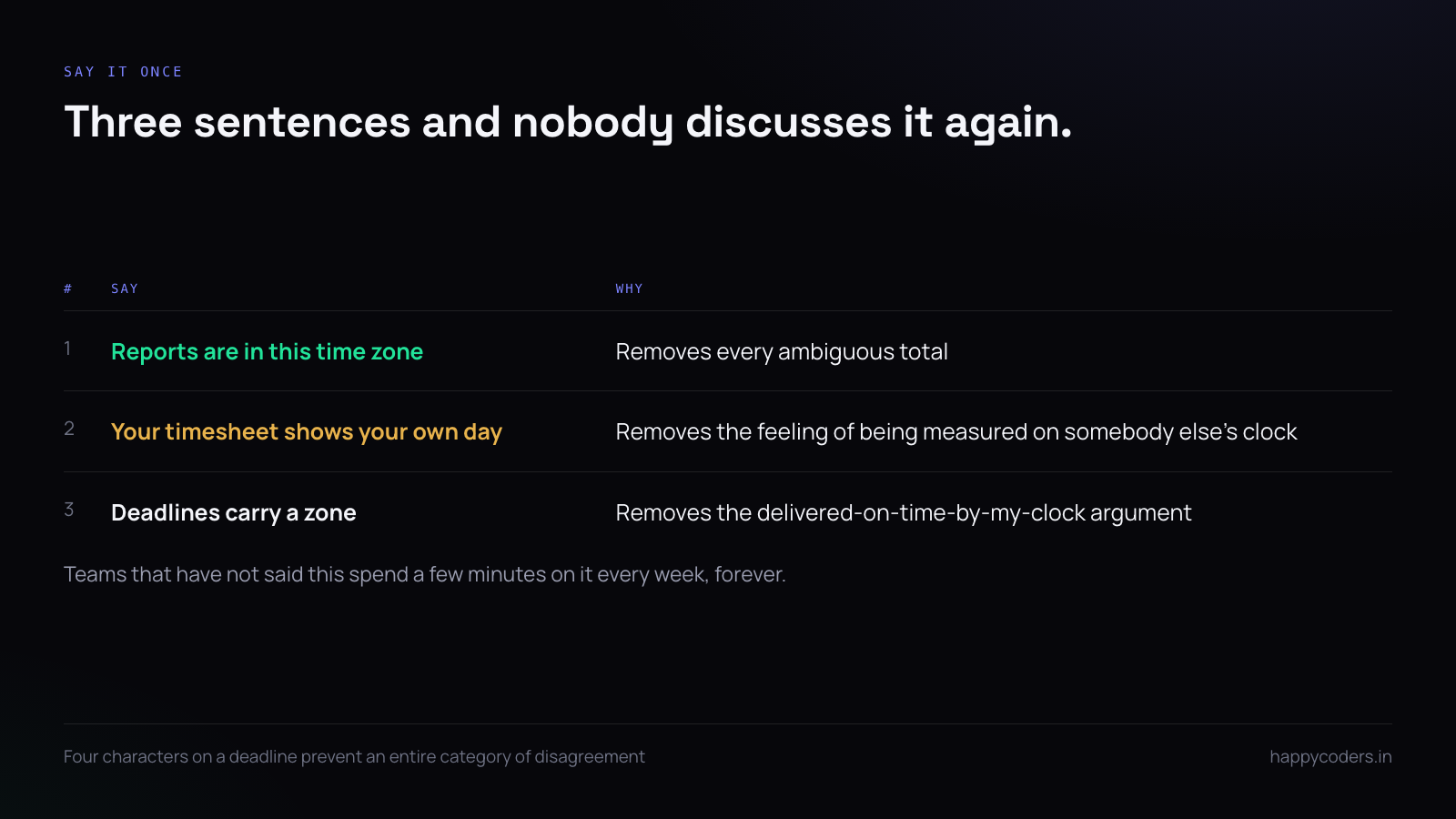
Three sentences, said once, at the start:
Reports are in this time zone. Your own timesheet shows your own day. Deadlines carry a zone, and if one does not, ask.
That is the whole policy. Teams that have not said it spend a few minutes on it every week forever; teams that have said it never discuss it again.
A short answer
Choose one company time zone and name it. Store everything in UTC. Decide whether a day belongs to the person or the company, and say which applies where. Put a zone on every deadline. None of this is difficult, and all of it is cheaper decided once than argued weekly.
Happy Tracker stores every entry in UTC, carries a per-person time zone alongside one for the organisation, and shows each person their own day while reporting on the company’s.




