


A surprising amount of screen recording is done by people who did not want a screen recording. They wanted two minutes of speech — a voice note, a narration track, a thought recorded before it evaporated — and the tool they had open recorded a video of a motionless desktop to capture it.
Voice mode records audio and nothing else, and the file is a few megabytes instead of a few hundred.
What voice mode is for
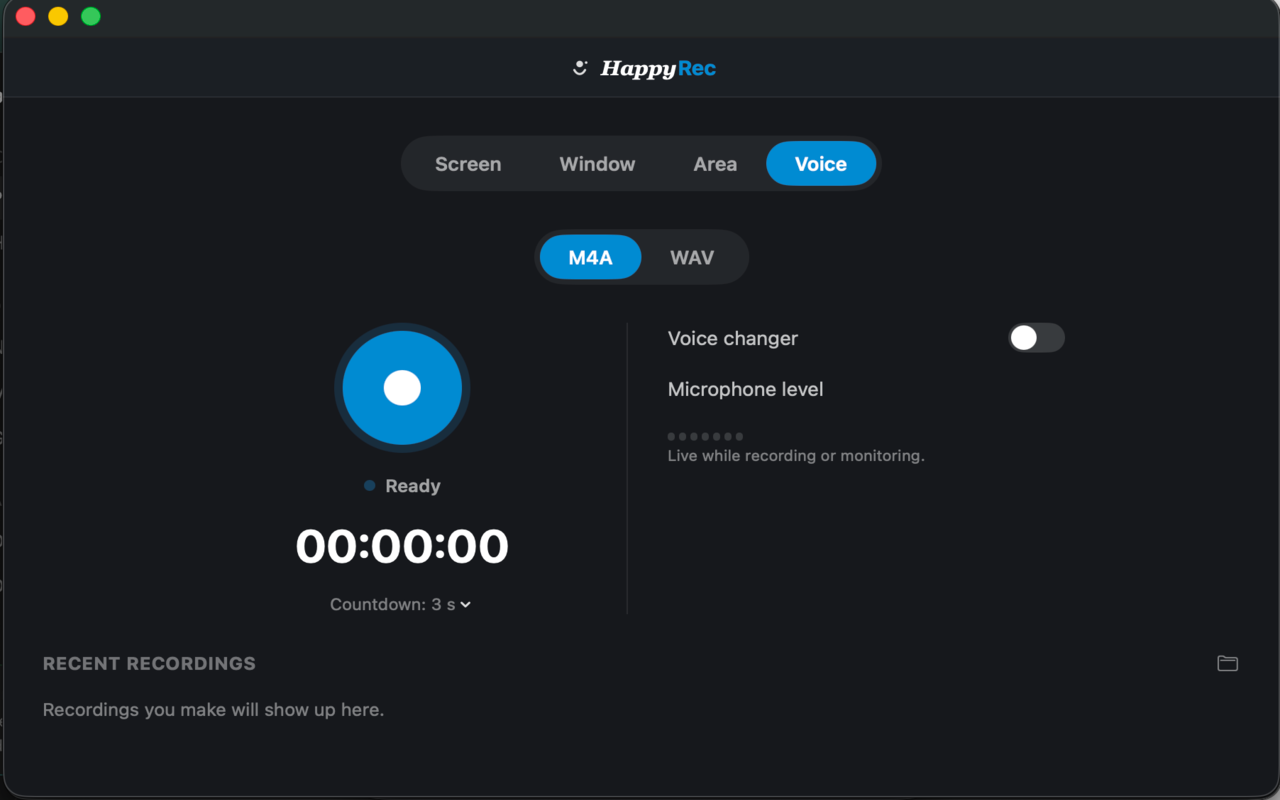
- Voice notes — anything faster said than typed, kept for yourself or sent to somebody.
- Narration tracks — recorded separately and laid over a silent screen recording afterwards, which gives you control over the balance that recording both at once does not.
- Podcast and interview takes — a single speaker, recorded properly, at the quality the format needs.
- Dictation — long thinking, spoken, to be transcribed or referred back to.
- Practising — a talk, a pitch, a difficult conversation. Recording yourself is the fastest way to hear what you actually sound like.
All the same switches are available. System audio can be included if what you are recording involves the computer making noise. The voice changer works here exactly as it does elsewhere.
M4A or WAV
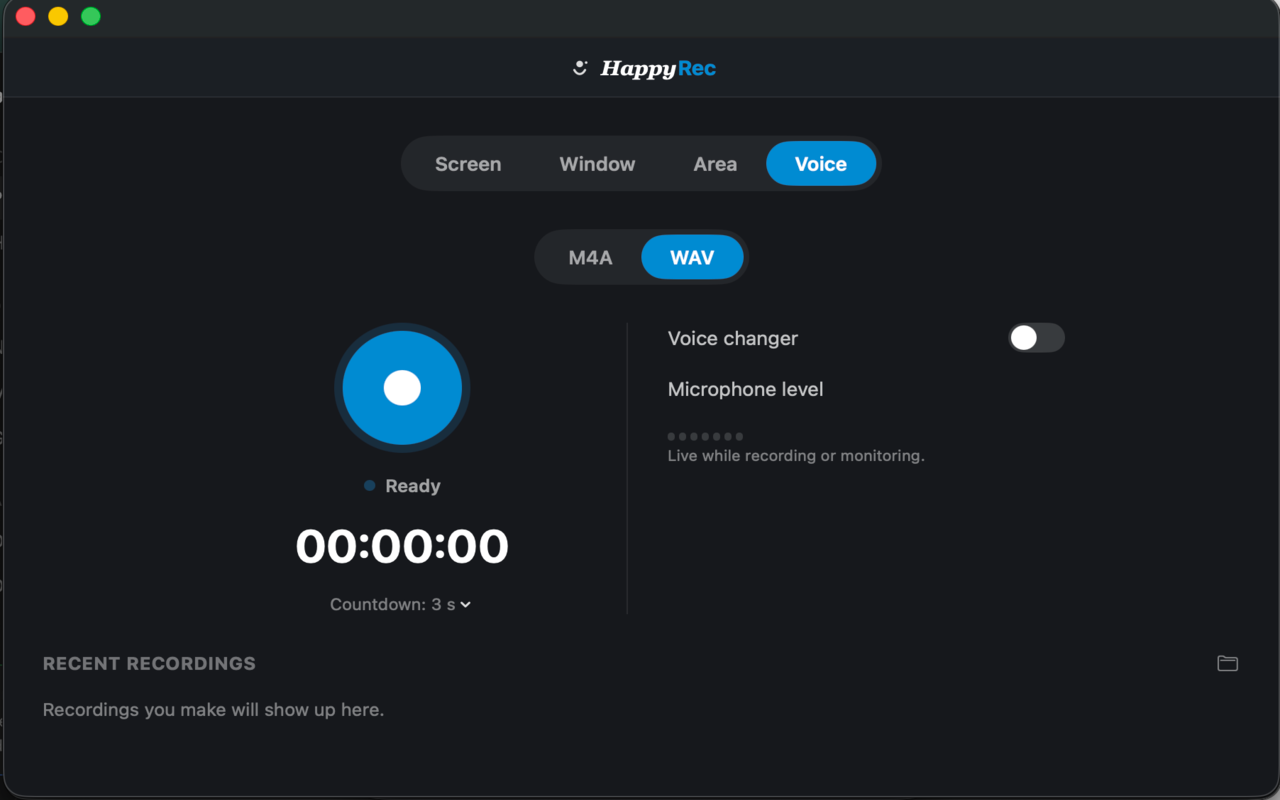
Two formats, and the difference matters less often than people think.
M4A is compressed. The file discards information a listener cannot detect and is roughly a tenth of the size. A one-hour recording is a few tens of megabytes. It plays in everything, sends easily, and for the enormous majority of voice recordings it is the correct choice.
WAV is uncompressed. Every sample is kept exactly as it was captured, the file is around ten times larger, and it plays in everything too.
When WAV is worth it
Three situations, and outside them the size is a cost with no benefit.
- The recording will be edited heavily. Compression artefacts compound each time a file is processed and re-saved. If the audio is going through noise reduction, equalisation and compression before anybody hears it, start uncompressed.
- It is a master you will keep. An archive copy of something you cannot re-record should be the one that lost nothing.
- Somebody has asked for it. Producers and editors frequently specify WAV, and the reason is the first point on this list.
For a voice note, a narration track, a practice run or anything that will be listened to once — M4A. The difference is genuinely inaudible and the file is a tenth of the size.
If you are unsure, record M4A. You can always compress a WAV later; you cannot recover what compression discarded. But you also cannot hear what it discarded, which is why it discarded it.
Getting a clean take
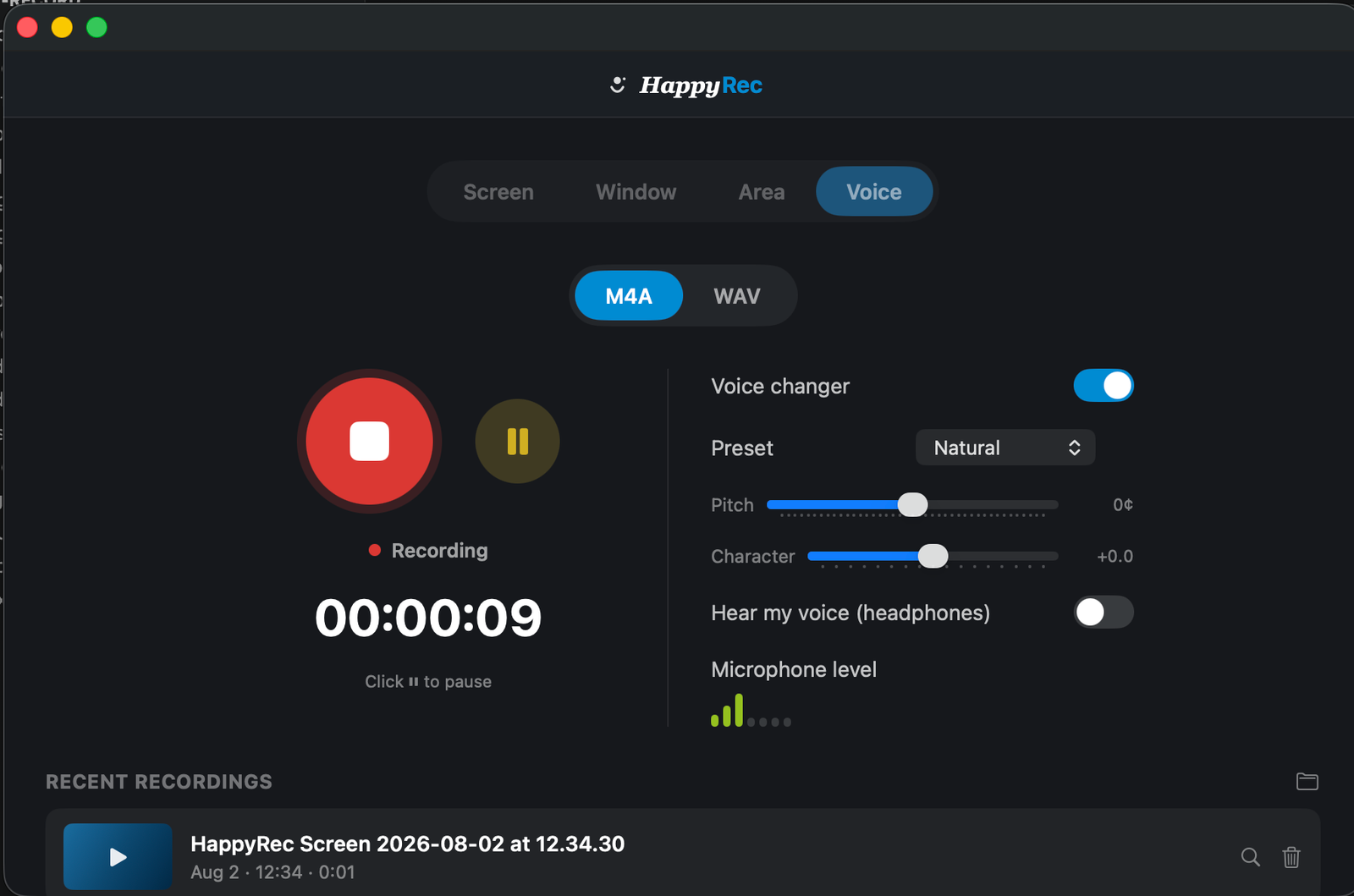
Voice recordings are unforgiving in a way screen recordings are not: there is nothing else in the file to look at, so every problem is audible.
- Check the meter before you start. Say a sentence and watch it move. This catches the most common failure — a microphone that is not reaching the app — while it can still be fixed.
- Set the level with the loudest thing you will say. Approaching the top of the meter, not touching it.
- Get close. A hand’s width from the microphone rather than arm’s length. This improves a recording more than any setting.
- Turn off anything that hums. Fans, air conditioning, a laptop working hard. Inaudible in the room, obvious in the file.
- Leave two seconds of silence at the start. It gives an editor room, and it gives you a sample of the room noise if you ever need to reduce it.
The pause button is for voice too
Recording something long — a chapter, a practice run, a set of notes — almost always involves stopping to think, look something up, or start a paragraph again.
Pause rather than stopping. The paused section does not appear in the file, and you finish with one recording rather than eleven fragments to assemble.
This is the single most useful habit for anybody recording long-form voice, and it is the feature people most often do not realise is there.
How long can a voice recording be
As long as you have disk space, which for audio is effectively unlimited. An hour of M4A is a few tens of megabytes; an hour of WAV is a few hundred. Neither is a constraint on a modern Mac.
Because the file is written continuously rather than held in memory, a long recording uses no more memory than a short one, and an interruption at fifty minutes leaves fifty minutes of usable audio.
Recording a long session
Two habits help with anything over about twenty minutes. Use pause rather than stopping, so the session stays one file. And leave a short silence whenever you restart a thought — it gives you an obvious marker to find later, and it gives an editor somewhere clean to cut.
Where the file goes
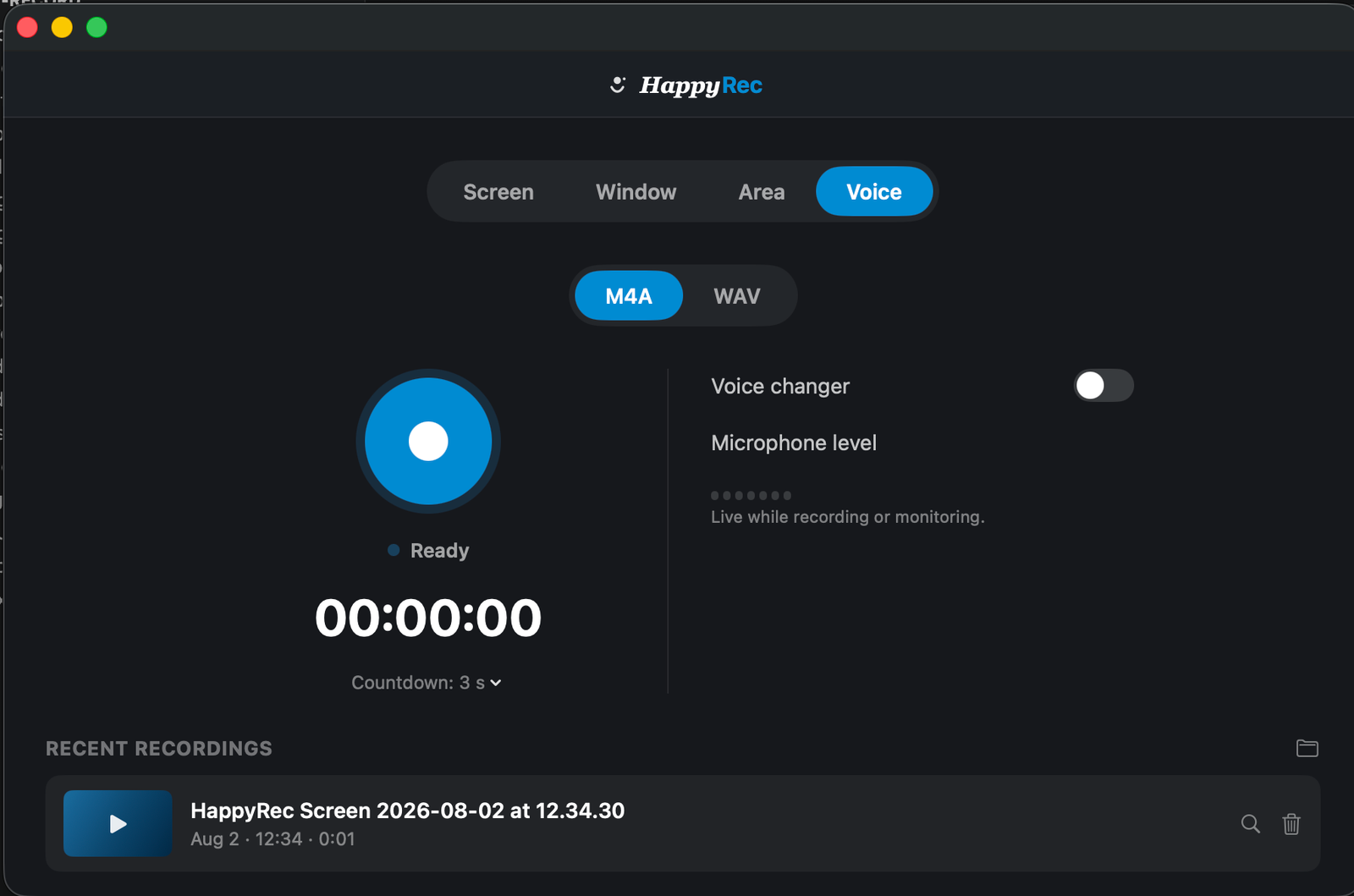
Every finished recording appears in the Recent recordings list at the bottom of the window. Click to play, or use the small button to reveal it in Finder.
Files are saved in a folder on your Mac that you choose the first time. Nothing is uploaded, there is no account and no cloud storage involved, and a recording exists in exactly one place — which is worth knowing both for privacy and because it means backing them up is your job.
HappyRec is free, runs entirely on your Mac, and records voice for as long as you have disk space.
Voice mode and the other switches
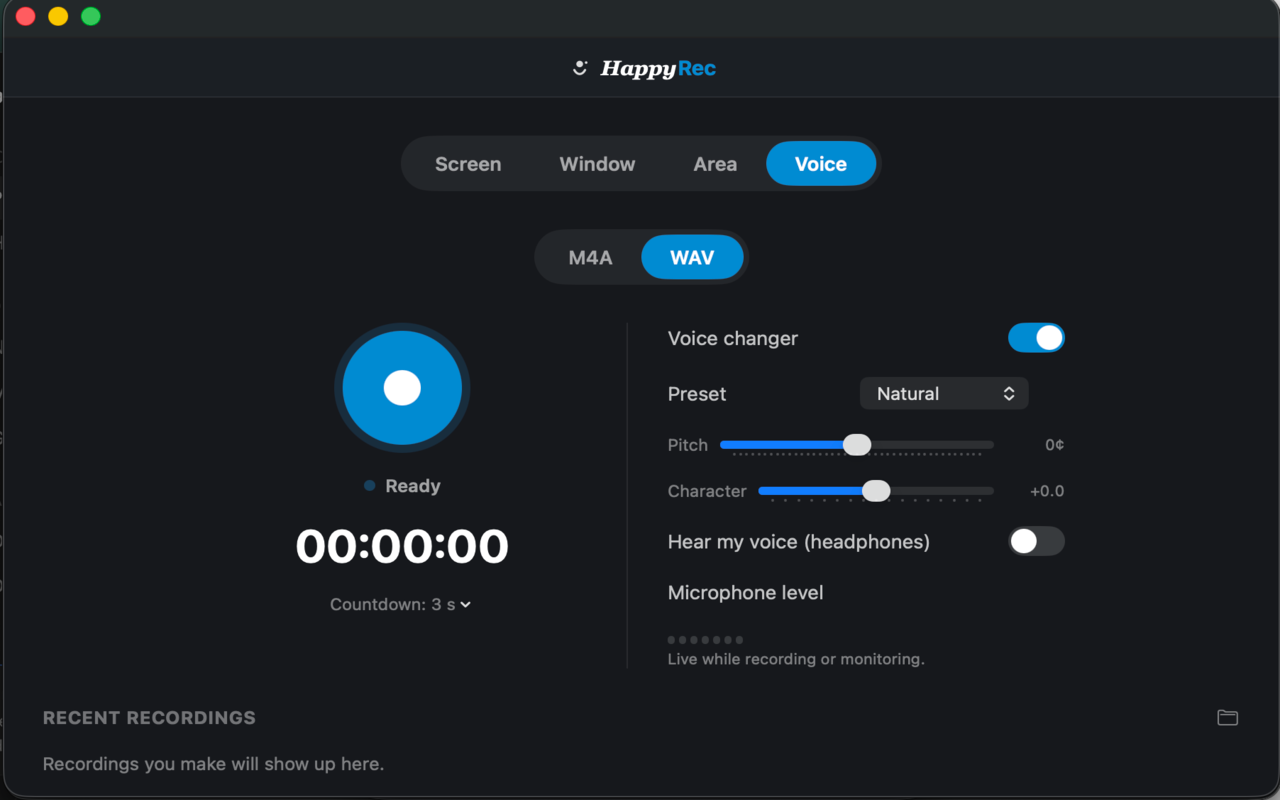
Everything available elsewhere is available here. The voice changer applies. System audio can be mixed in if what you are recording involves the Mac making sound. The countdown works the same way.
What is not present is anything visual — no camera bubble, no watermark, no resolution setting — because there is no picture for any of them to appear on.
Which format the file ends up as
The choice between M4A and WAV is made before you record and applies to that recording. Changing it afterwards means converting the file in something else, which for M4A to WAV gains nothing — the information discarded by compression does not come back.
If you know a recording is important and cannot be repeated, that is the moment to choose WAV. For everything else, M4A and a file a tenth of the size.




