


A biometric machine at the door answers one question: was this person physically here. For a team that works from one office at fixed hours, that is a reasonable thing to measure.
For most teams now it answers a question nobody is asking. People work from home two days a week, somebody is at a client site, the sales person is in a car. The machine records a smaller and smaller fraction of the work, and the attendance report it produces drifts further from what actually happened.
What attendance is actually for
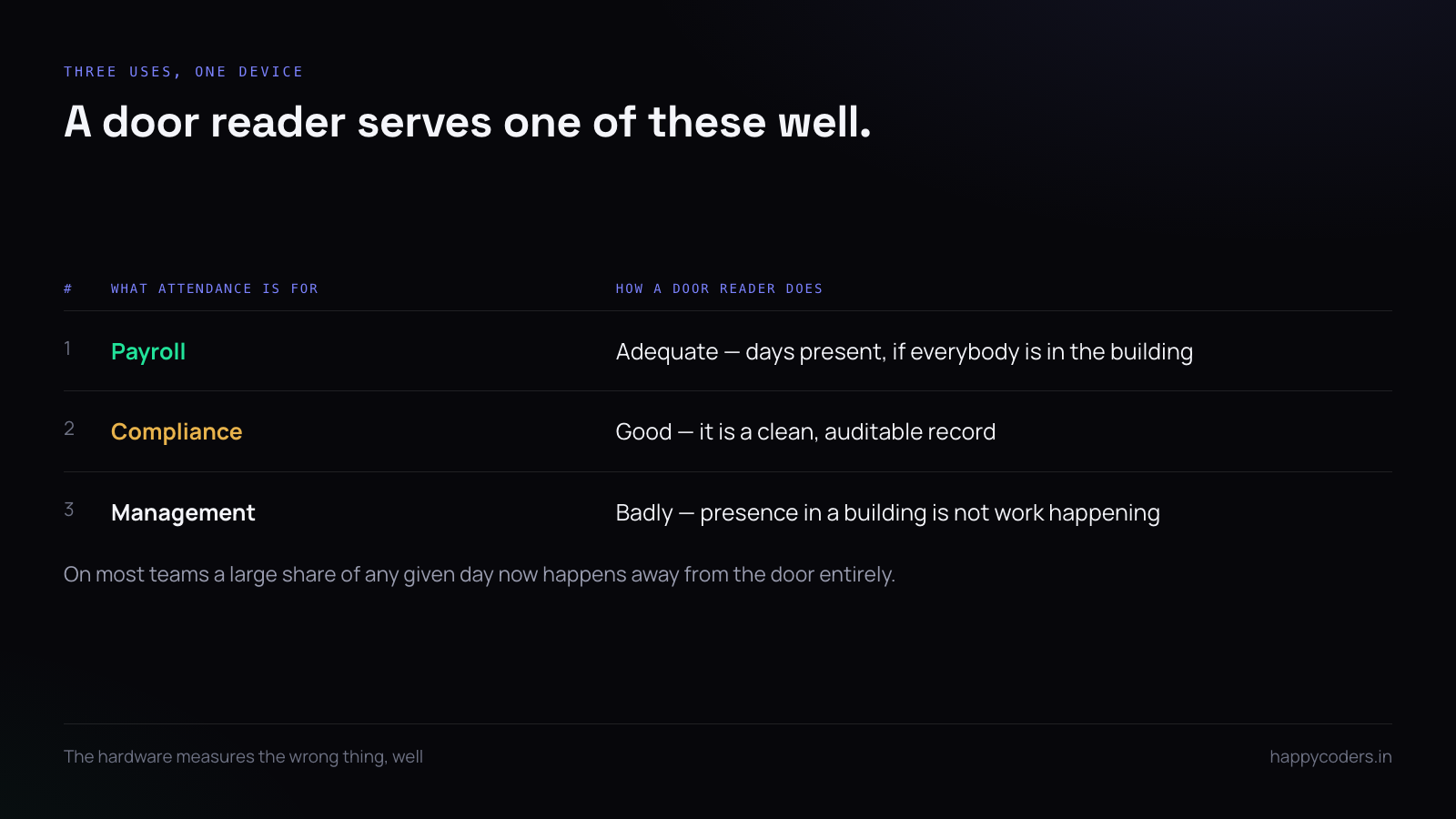
Strip away the hardware and there are three real uses, and they want different things:
- Payroll. How many days a person is paid for, with leave and holidays deducted correctly.
- Compliance. A record you can produce if asked, kept for as long as the law where you operate requires.
- Management. Who is working today, and is anybody quietly absent for a week without anyone noticing.
A door reader serves the second one well and the first one adequately. It serves the third one badly, because presence in a building has very little to do with whether work is happening.
Clock-in as the record
The replacement is simple enough to be suspicious of: the person starts their working day in software, and that is the attendance record. It works because the thing you want to know — did this person work today, and roughly when — is exactly what clocking in records.
It is also better evidence than a door reader for anybody who is not in the office, which on most teams is now a large number of people on any given day.
The objection is obvious: somebody could clock in from bed. True. They could also badge in and go to the canteen for the day. Attendance hardware has never measured work; it measures proximity to a door, and swapping it for proximity to a laptop is not a loss of rigour.
Making it harder to fake without making it unpleasant
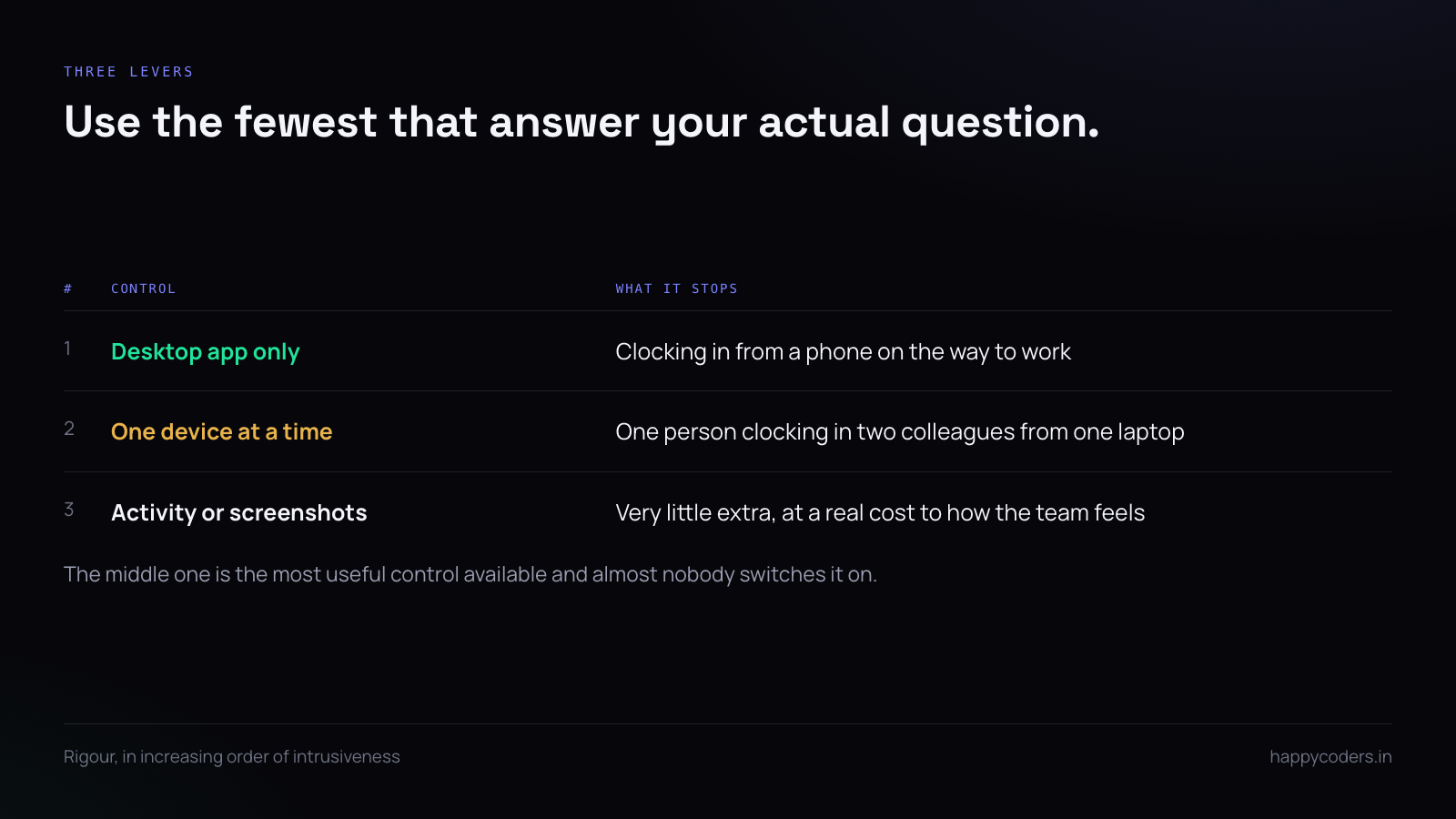
If you want more than the honour system, there are three levers, in increasing order of intrusiveness. Use the fewest that answer your actual question.
Desktop app only. Clocking in requires the tracker running on a machine. It cannot be done from a phone on the way in. This alone removes most casual padding.
One device at a time. An account can run the tracker on one machine only, so one person cannot clock in two colleagues from their own laptop. This is the single most useful control and almost nobody switches it on.
Activity or screenshots. The heaviest option, and the one that changes how a team feels about the tool. Worth it when you bill clients by the hour; usually not worth it for attendance alone.
What replaces the muster roll
Indian labour law expects an employer to keep a register of attendance, and the obligation does not change because the register is now software. What changes is that the register can be produced on demand instead of being a book somebody has to find.
Two practical requirements. It has to cover a full month per person in a form somebody can export and keep — a screen is not a record. And it has to be stable: a report run today for last March must produce what it produced in March, which means historic edits need to be visible rather than silent.
If your setup cannot do both, it is a dashboard, not a register, and the difference will matter exactly once.
The grid is the output, not the clock-ins
What payroll and compliance actually need is a month-by-person grid: present, absent, on leave, holiday, half day. Clock-in records are the raw material; the grid is the thing somebody signs off.
Two properties make a grid usable. It has to be readable in one screen, so a month fits without scrolling. And every cell has to be explainable — if somebody is marked absent, the grid should be able to say why, rather than being a blank that an administrator has to go and investigate.
Leave has to live in the same place
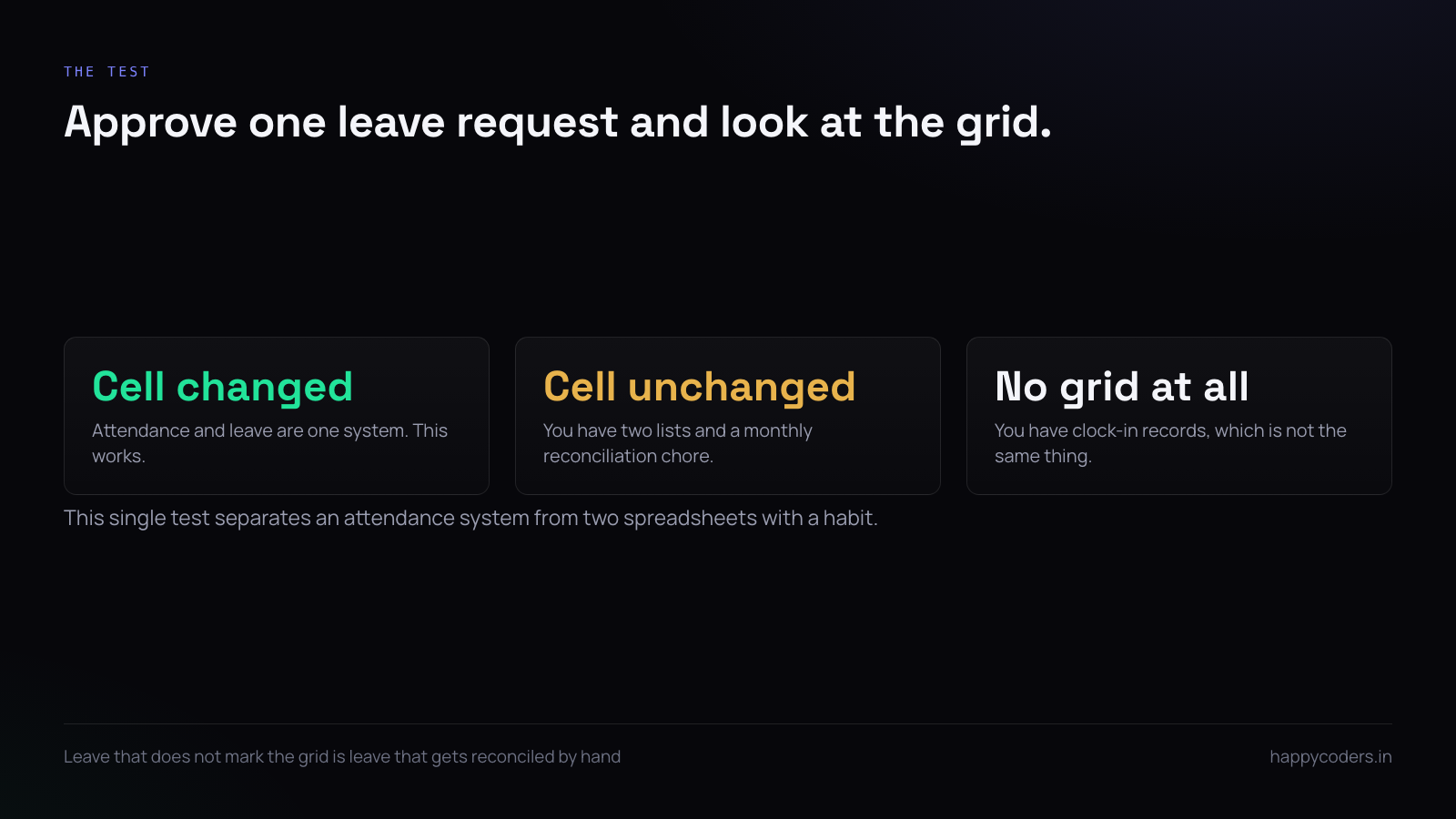
This is where most home-made attendance setups fall apart. Attendance is tracked in one system and leave is approved in another, usually email, so the grid shows absences that were in fact approved leave, and somebody reconciles the two by hand every month.
If approved leave does not automatically mark the grid, you do not have an attendance system — you have two lists and a monthly chore. The test is simple: approve a leave request and look at the grid without touching anything else. If the cell changed, it works.
The person who is quietly absent
The genuine management use of attendance is not catching latecomers. It is noticing the person who has not really been working for two weeks, which on a distributed team is otherwise invisible until a deadline is missed.
This shows up as a pattern, not a day: clock-ins getting later, days getting shorter, a week with two days missing that nobody approved. None of those is actionable alone and all of them together usually mean something — illness, a second job, or somebody who has already decided to leave.
The point of seeing it is to have the conversation early. Used that way, attendance data is worth collecting. Used to issue late marks, it mostly teaches people to clock in and then make coffee.
Half days, late marks and the policy question
Before configuring anything, decide what you will actually do with these. A late mark that nobody ever acts on is a number that makes people anxious for no purpose, and teams notice that quickly.
If lateness genuinely matters — a support desk with cover requirements, a shift handover — then define it, measure it and act on it consistently. If it does not, do not collect it. The worst arrangement is collecting it, never using it, and leaving everybody to imagine what it is for.
What to keep, and for how long
Attendance records are usually the longest-lived data a small company keeps about its people, and the retention decision is often never made at all.
Decide how long the grid is kept, separately from how long any screenshots or activity data are kept — those two should almost always be much shorter. Then write both down. “We keep attendance for the period the law requires and screenshots for fifteen days” is a sentence that answers most of the questions a nervous employee has.
Running both during the changeover
If you already have hardware, the sensible transition is to run both for one full payroll cycle and compare the two records at the end of it.
You are looking for the days where they disagree, and specifically for which one was right. Most disagreements will be people who were working and not in the building, which is the argument for the change. A few will be the software missing somebody who was present, which tells you about an install that failed or a person who has not understood the routine.
One month is enough. Running both indefinitely means nobody trusts either, and the hardware stays because removing it was never decided.
What you lose, honestly
A door reader proves somebody was in a building. Software clock-in proves somebody said they started work on a machine you can identify. If your compliance requirement specifically demands physical presence, no software arrangement replaces the hardware, and you should keep it.
For everybody else — which is most people — the hardware was measuring the wrong thing, well.
A short answer
Clock-in is the attendance record. Restrict it to the desktop app and to one device per person, and that is enough rigour for almost any team. Keep leave in the same system so the grid is right without reconciliation, collect late marks only if you will act on them, and decide retention deliberately. No hardware, no reconciliation, and it covers the people who are not in the building.
Happy Tracker records attendance from clock-in, marks approved leave on the grid automatically, allows web clock-in to be restricted per organisation or per person, and limits one account to one desktop tracker at a time.




