


A laptop goes back when somebody leaves, when a contract ends, when a device is swapped, or when a machine is sent for repair. The handover is usually about the hardware — wipe it, check the asset tag, sign the form.
What walks out with it is everything that was only ever explained on that screen: the sequence to run the deploy, the reason for a setting nobody documented, the workaround for a tool that nobody else uses, the folder structure that only makes sense once somebody shows you.
Twenty minutes of recording, done in the last week rather than the last hour, saves the person who inherits it a fortnight.
Record the doing, not the describing
A written handover document says “run the deploy script from the project root”. A recording shows the terminal, the directory, the command, the output you expect, and the one line that always appears and does not mean anything is wrong.
The gap between those two is where every handover question comes from. Record the task being performed, start to finish, on the real system, with the normal interruptions left in.
Mistakes are useful here. If something fails and you fix it, leave that in — the recovery is often the most valuable thing in the recording, and it is exactly what a document would omit.
What is worth twenty minutes
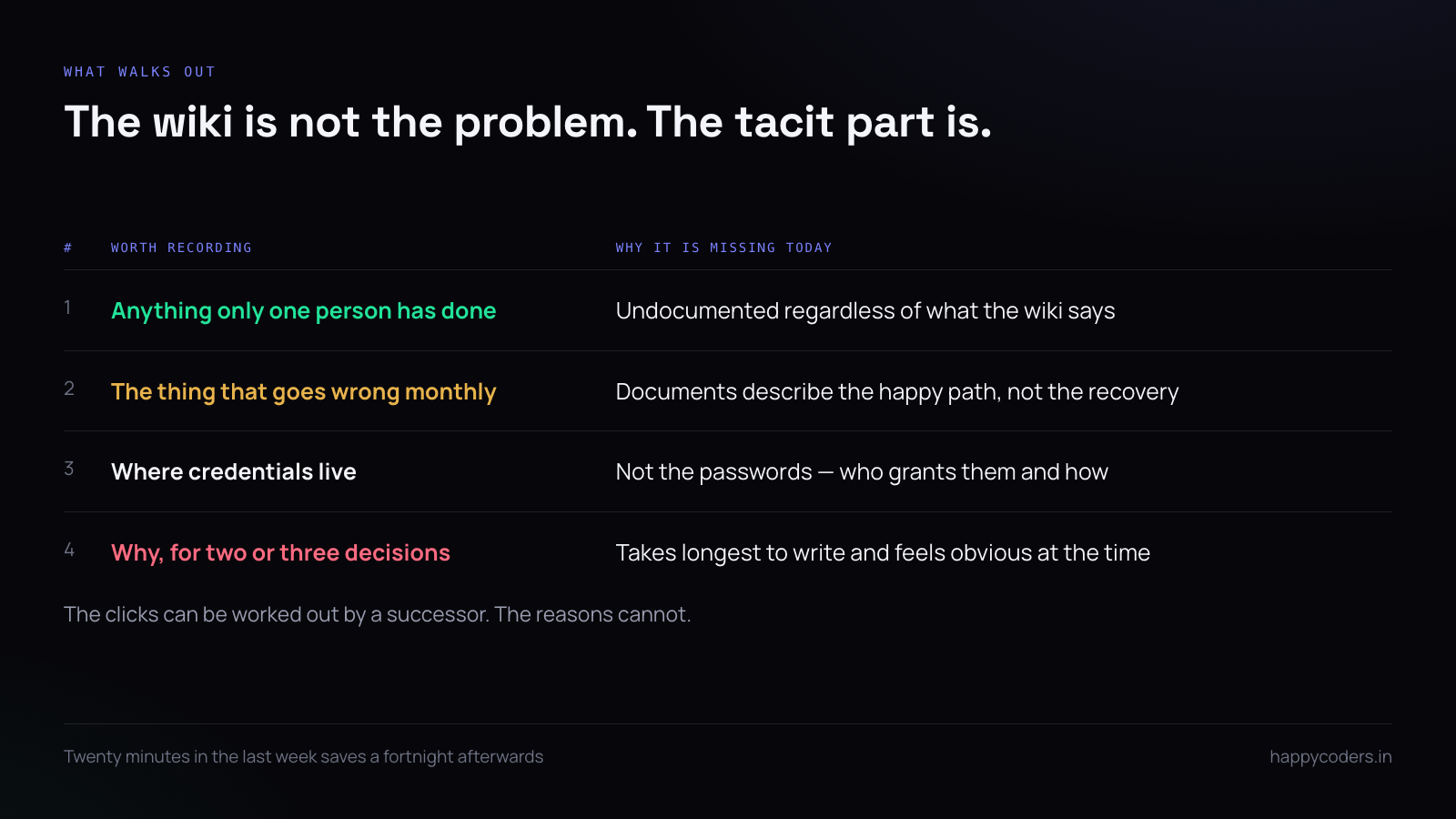
- Anything only you have done. If one person has ever run it, it is undocumented regardless of what the wiki says.
- The thing that goes wrong monthly. Not the happy path — the recovery.
- Access and credentials, structurally. Not the passwords. Where they live, who grants them, what the approval looks like.
- Why, for two or three decisions. The ones a successor will otherwise undo and re-learn.
Three recordings, not one long one
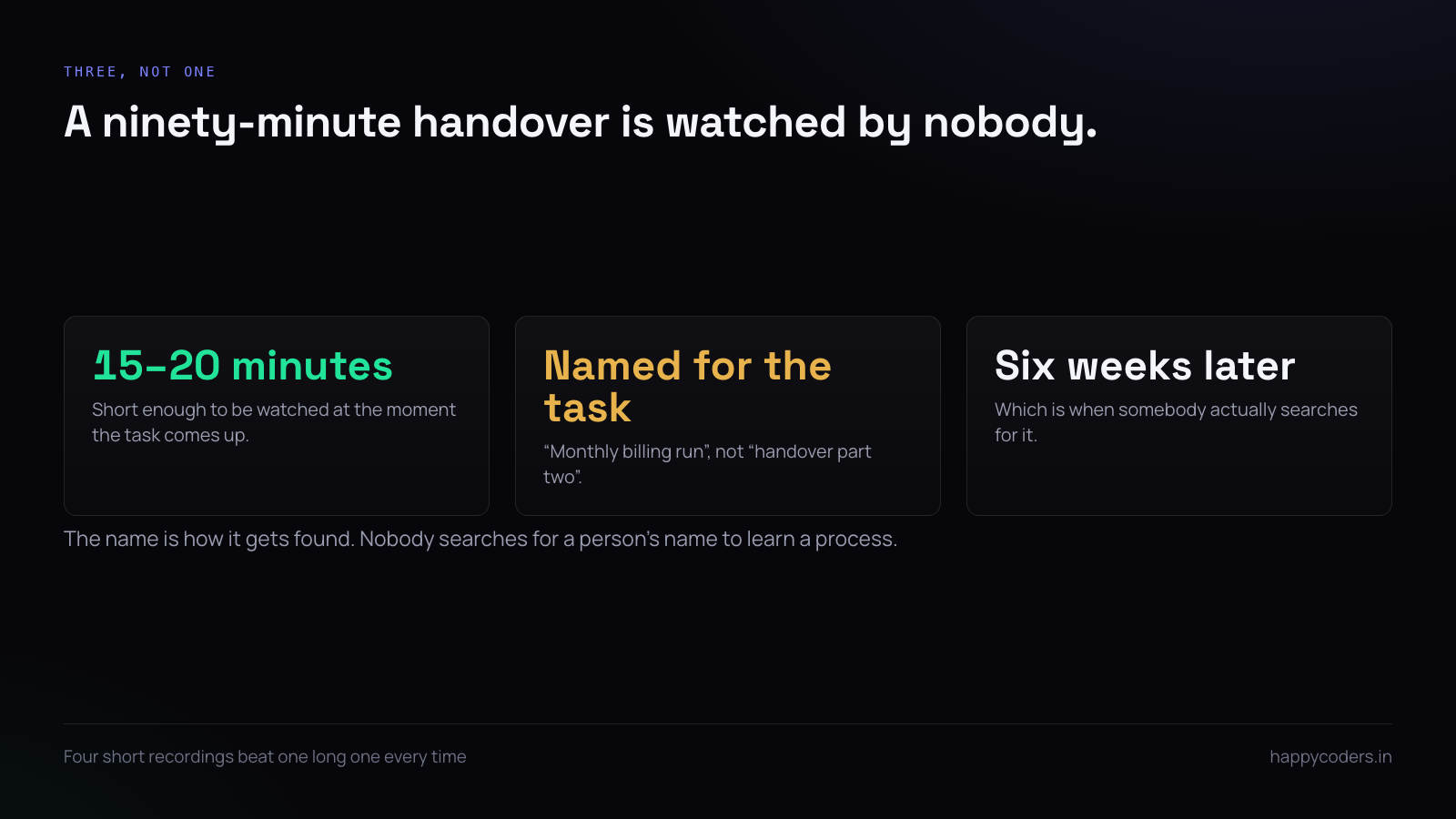
A single ninety-minute handover recording is watched by nobody. Three or four recordings of fifteen to twenty minutes, each named after the task it covers, get watched at the moment the task comes up — which is six weeks later, by somebody searching for exactly that.
Name them for the task, not the person: “monthly billing run”, not “handover part two”. The name is how it will be found.
Say the why out loud
Documentation records what to do. It almost never records why, because why takes longer to write and feels obvious when you are writing it.
In speech it is nearly free. “We do it in this order because the import locks the table and the report times out if you run it the other way round” is one sentence, and it is the sentence that stops somebody changing the order in three months and spending two days finding out why it broke.
Those sentences are the real content of a handover. The clicks can be worked out; the reasons cannot.
What not to record
The same recording that is useful to a colleague is useful to anybody else who gets hold of it. Two rules keep it safe.
No credentials on screen or spoken, ever — not a password, not an API key, not a one-time code. Say where the credential lives and who grants it, which is the part a successor actually needs.
And be careful with customer data. For a walkthrough of an internal process, use a test record if one exists. If the process genuinely requires a real one, say so in the recording and treat the file accordingly.
Where it has to live
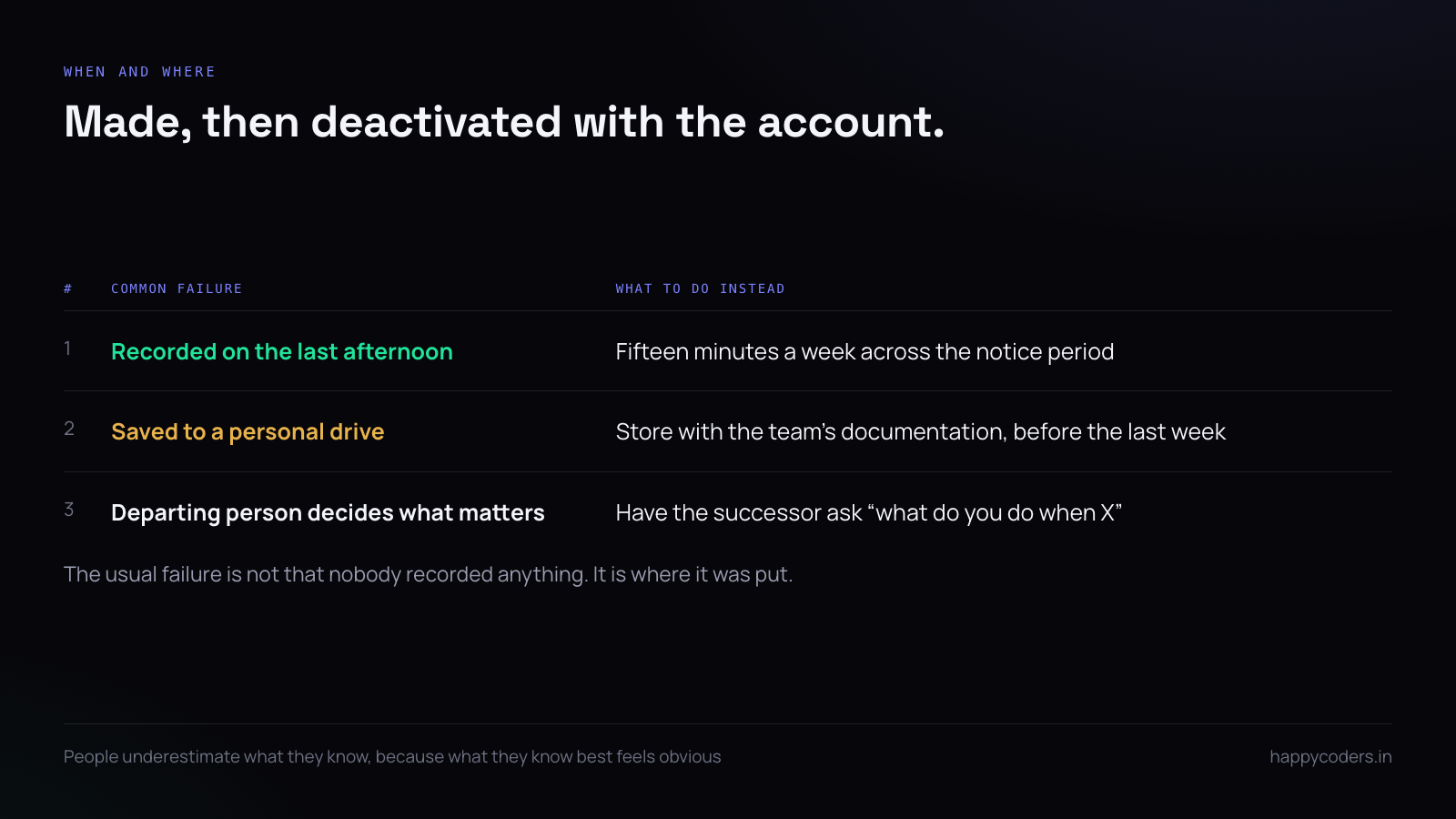
A handover recording in a personal drive or a chat thread is lost the day the account is disabled, which on a departure is usually the same week.
Put them where the team’s documentation already lives, with the written notes, before the last day — not emailed on the last afternoon. The most common failure of handover recordings is not that nobody made them; it is that they were made and then deactivated along with the account.
The departing person is not the best judge
People leaving systematically underestimate what is in their heads, because the things they know best feel the most obvious. Left to themselves they record the formal processes and skip the tacit ones.
The fix is to have the successor or a colleague ask. Half an hour of “what do you do when X” produces a better list than the departing person writing one alone, and the questions can be answered straight into a recording as they come.
Do it before the last week
A notice period is normally a month and handover is normally attempted in the last three days, when access is already being removed and attention has already gone.
Fifteen minutes a week across the notice period produces four recordings and costs nobody a day. The same four made on the final afternoon are rushed, incomplete, and recorded by somebody who has mentally already left.
A short answer
Record tasks being done, not described. Three or four recordings of fifteen minutes, named for the task. Say why out loud — that is the part documentation never has. No credentials in frame or in speech. Store them where the team’s documents live, before the last week, and let the successor ask the questions.
HappyRec records screen and voice together, free on Mac and Windows, with no account and nothing uploaded — the recordings stay on the machine until you move them where they belong.




