How to Set Up Your First Happy Tracker Workspace Properly
The order to configure things in so every number comes out right from day one — organisation, work schedule, holidays, leave types, projects, tracking rules, then people.
Read article


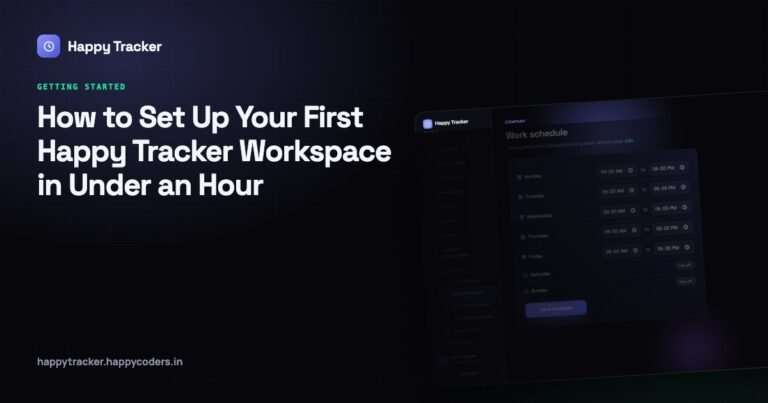
The order to configure things in so every number comes out right from day one — organisation, work schedule, holidays, leave types, projects, tracking rules, then people.
Read article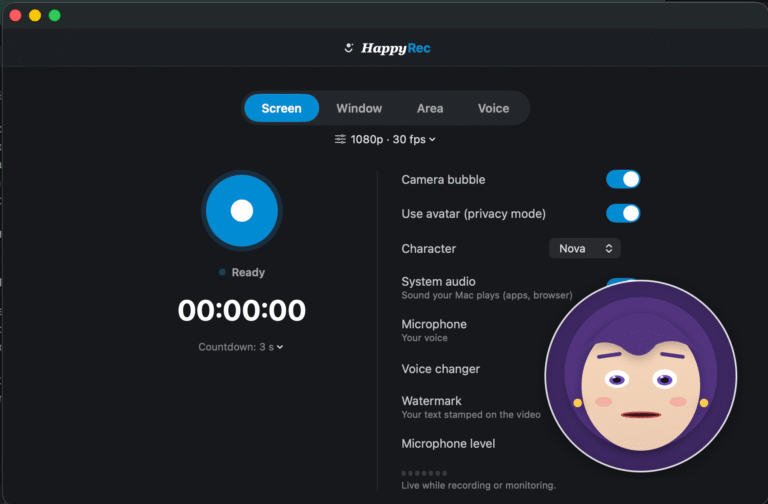
Not everyone who records a tutorial wants to be in the tutorial. For a lot of course creators, streamers, and support teams, the camera is the actual blocker — not the screen capture. Twelve avatars, driven by your real expressions HappyRec’s answer is an animated avatar. Pick one of twelve characters — four of them […]
Read article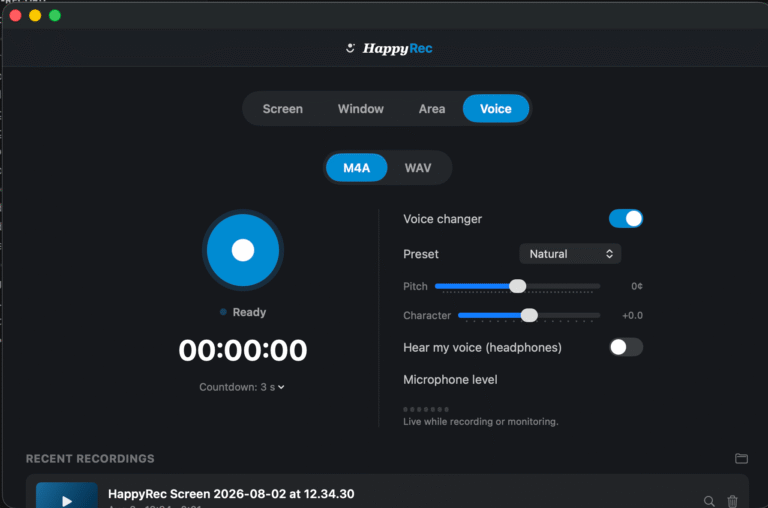
Open almost any voice changer and you’ll find exactly one control: a pitch slider. Push it up, you get a chipmunk. Push it down, you get a demon impression. That’s not a flaw specific to any one app — it’s simply what plain pitch-shifting does. It speeds the entire signal up or down, formants included, […]
Read article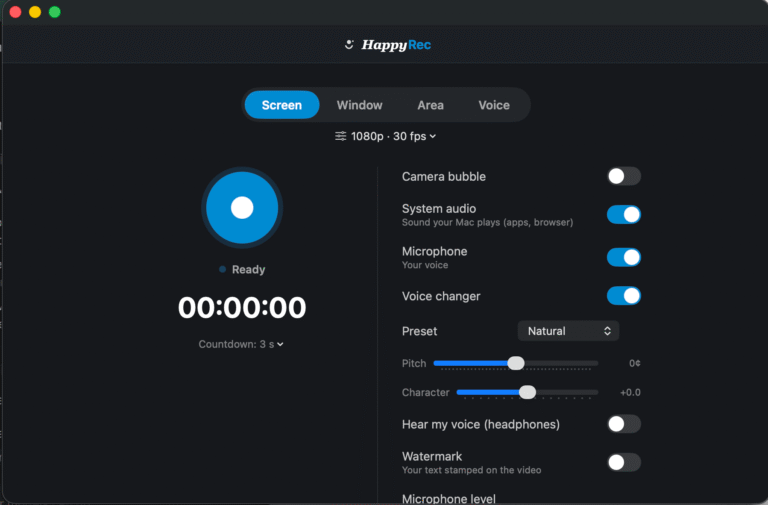
Most screen recorders make you choose: pay for the full version, or put up with watermarks, time limits, and a paywall waiting at the end of your free trial. HappyRec skips that trade entirely. It’s free — not “free to start,” just free — and it’s built natively for Mac instead of wrapped around a […]
Read article
Structuring large projects using SCSS helps you maintain clean, scalable, and well-organized styles as your application grows. You can split your styles into smaller partial files like variables, mixins, base styles, components, and layouts, making the code easier to manage. Using the @use rule, you can import these files in a structured way while avoiding […]
Read article
Creating dynamic styles using SCSS allows you to generate flexible and reusable CSS based on variables, functions, and logic. By combining features like variables, mixins, loops, and conditionals, you can adapt styles dynamically for different themes, screen sizes, or components. This approach reduces repetition and makes your code more scalable and easier to maintain. SCSS […]
Read article
Using conditionals in SCSS allows you to apply styles based on specific conditions, making your code more dynamic and flexible. With @if, @else if, and @else, you can control how styles are generated depending on variables or logic. This is useful for handling themes, color variations, or different layout behaviors. It helps reduce repetition by […]
Read article
Using loops in SCSS allows you to generate repetitive styles efficiently without writing the same code multiple times. SCSS supports @for, @each, and @while loops, which help create dynamic classes for spacing, grids, or utility systems. The @for loop is useful for iterating a set number of times, while @each works with lists or maps, […]
Read article
Importing files in SCSS helps you organize your styles into smaller, manageable pieces and reuse them across your project. The older @import rule allows you to include one SCSS file into another, but it is now deprecated and not recommended for modern projects. Instead, you should use @use, which loads files with better scoping and […]
Read article
Using @extend in SCSS allows you to share styles between selectors without duplicating code. It works by inheriting the styles of one selector into another, helping you maintain a cleaner and more efficient stylesheet. This is especially useful for applying common styles like buttons, alerts, or utility classes across multiple elements. Unlike mixins, @extend merges […]
Read article