
Screen, Window, Area or Voice: Which HappyRec Mode to Use
HappyRec has four recording modes and picking the right one saves editing afterwards. What each records, when to use it, and the trade-off nobody mentions about window recording.
Read article


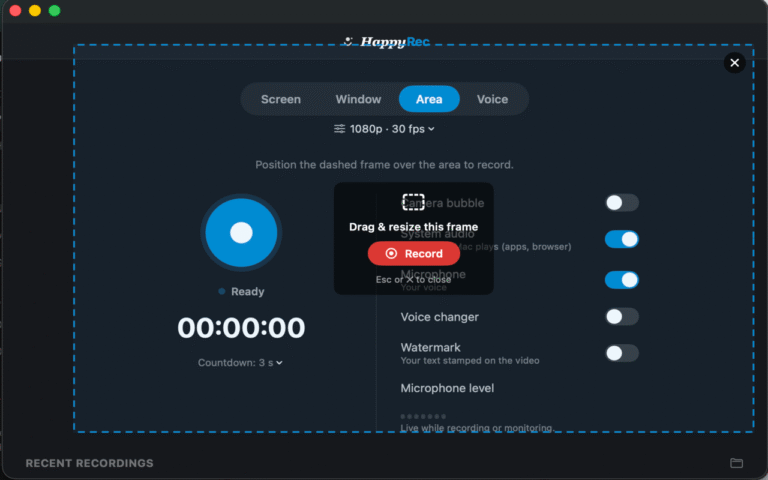
HappyRec has four recording modes and picking the right one saves editing afterwards. What each records, when to use it, and the trade-off nobody mentions about window recording.
Read article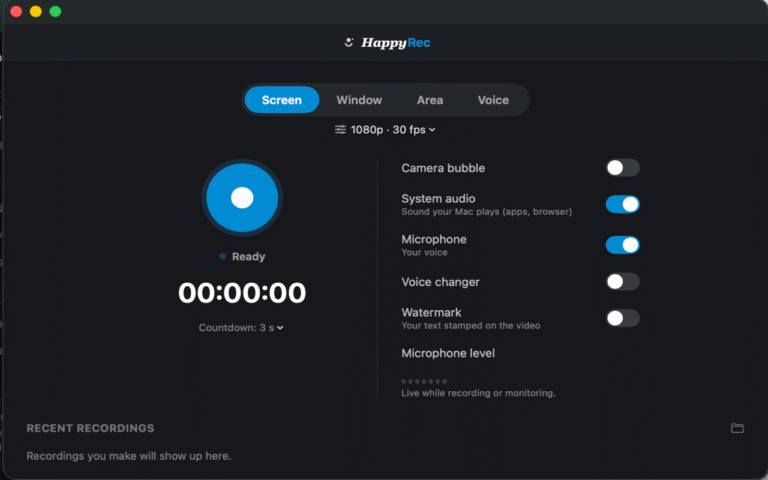
A step-by-step guide to your first screen recording on a Mac with HappyRec — what to switch on, what the permissions are for, and how to avoid the three mistakes people make on their first take.
Read article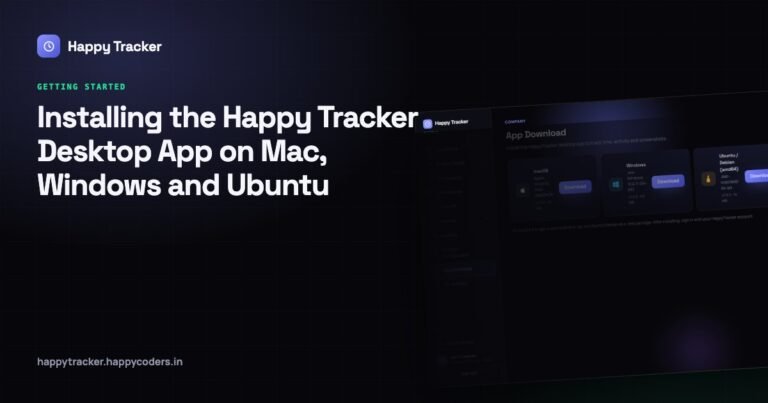
Where to download it, the permissions each platform asks for on first run, the daily routine to teach your team, every message the app can show, and how to run the rollout.
Read article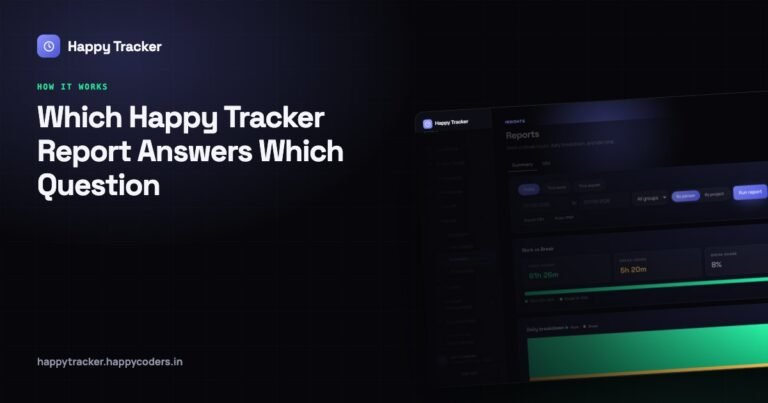
Four reports, four different questions. When to open Summary, My Report, Team Report and Productivity — what each will not tell you, and where every number comes from.
Read article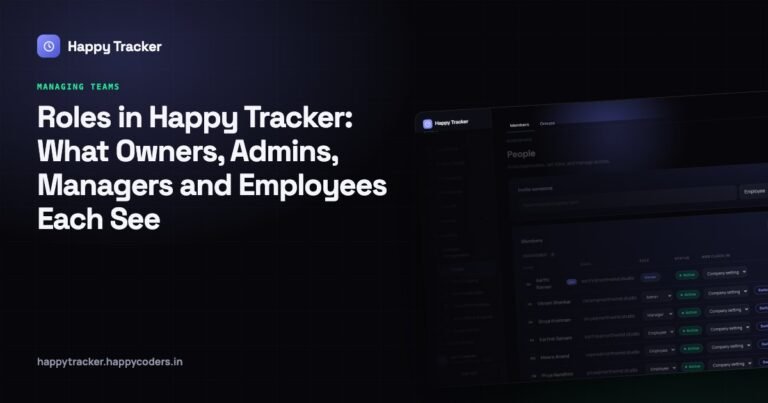
Four roles and exactly what each can and cannot do, why there is no delete button for a person, the per-person override that saves you from a blanket rule, and how to check.
Read article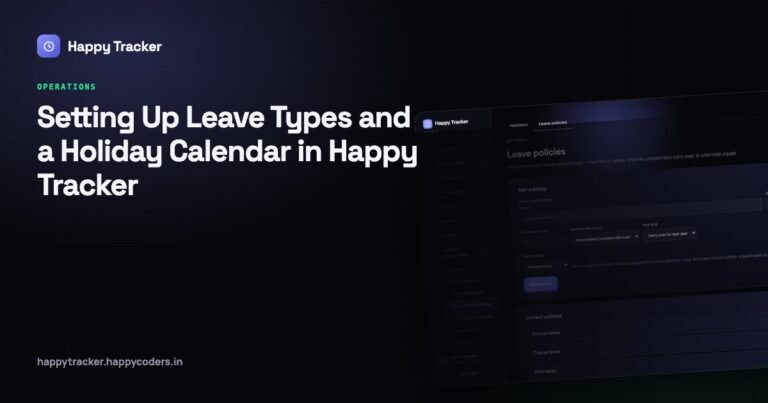
Four settings decide what a working day means. How to configure leave policies, holidays and the work schedule so approvals, balances, attendance and payroll all agree with each other.
Read article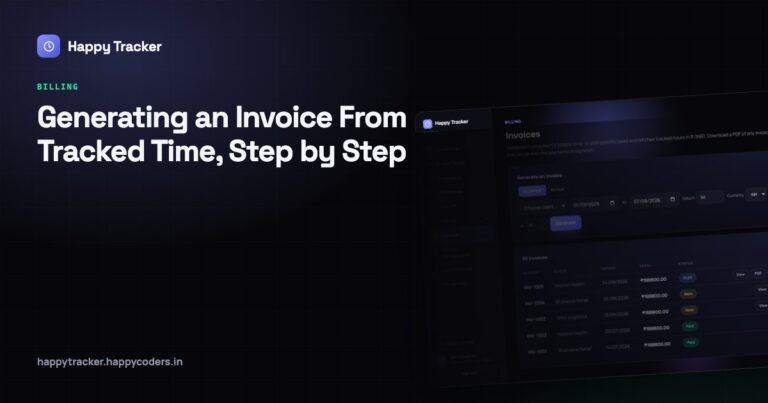
From the billable flag on a project to a PDF you can send — where billable hours leak, why invoices get queried, and how to build one a client can check line by line and agree with.
Read article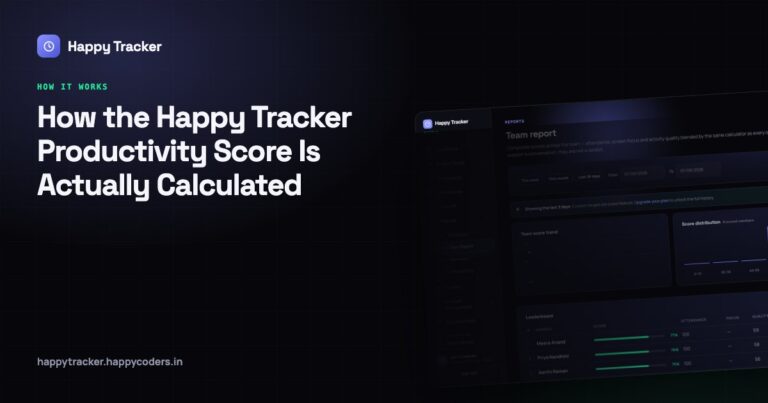
The score is four measurements blended into one number. What each part counts, what it deliberately ignores, why we kept the parts visible, and how to use it without being unfair.
Read article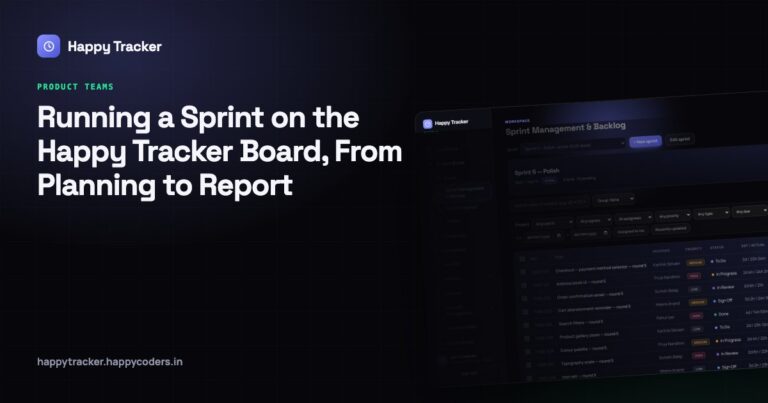
A full cycle — creating the sprint, filling it from the backlog, working the five stages, what lives inside a card, closing it, and reading the report that improves the next one.
Read article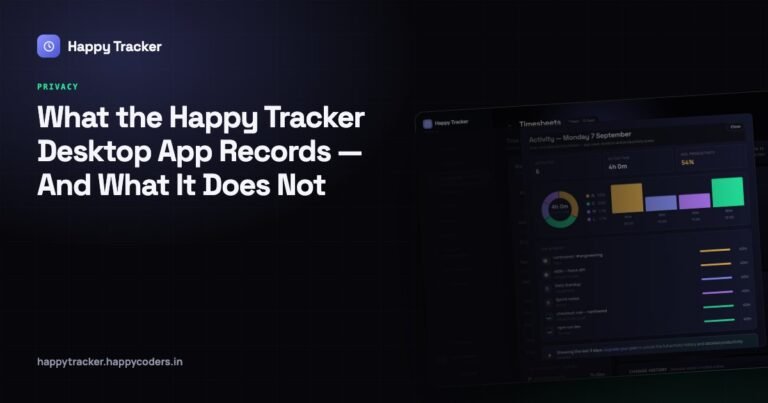
Exactly what is captured while the timer runs, what is never captured under any setting, when recording stops, who can see it, what you control, and how to introduce it to a team.
Read article



